MCP ready
Claude Code
Give Claude access to your projects, scenes, notes, motion tools, and exports.
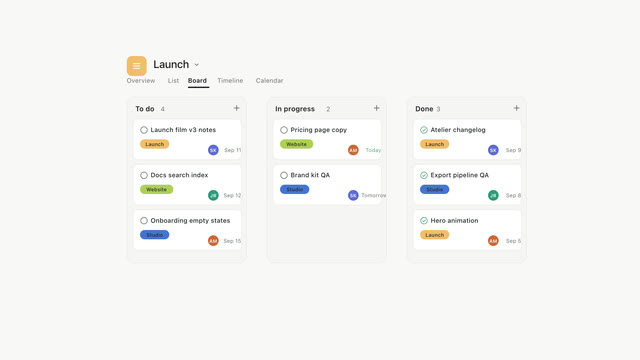
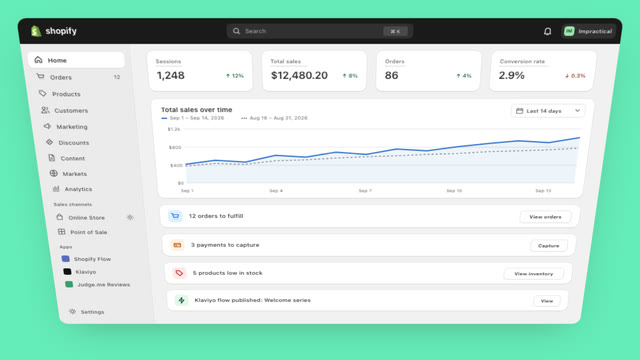
The Impractical agent connects to a launch project, reads the product and brand, composes the scenes, tightens the opening, and exports a 12-second 1080p launch video in Studio.
One setup gives the coding agents that already know your product a direct path into Impractical.
Give Claude access to your projects, scenes, notes, motion tools, and exports.
Let Codex move from product context to a finished motion draft without switching tools.
Connect Cursor directly to the canvas where your team reviews and shapes the work.
Bring the same MCP workflow to OpenCode, from first prompt through final render.
Connect your agent once. Design, edit, and export without leaving the flow.
Bring Impractical into the tools where you already work.
Describe the story. Your first designed cut appears in Studio.
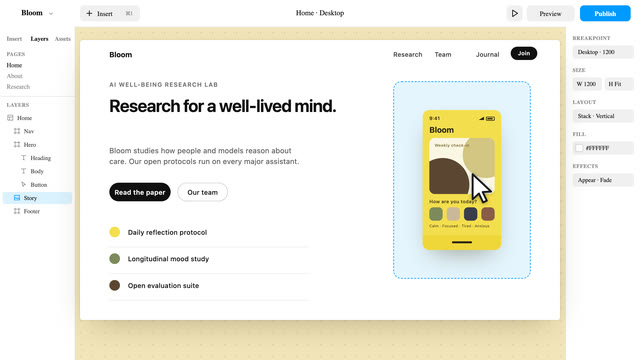
Ask in your agent or leave a note directly on the timeline.
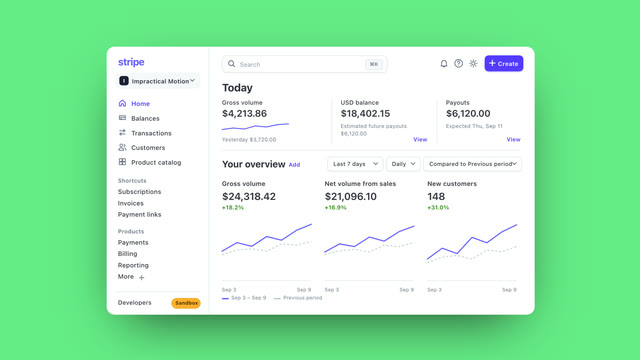
Choose the right finish and ship the final cut.
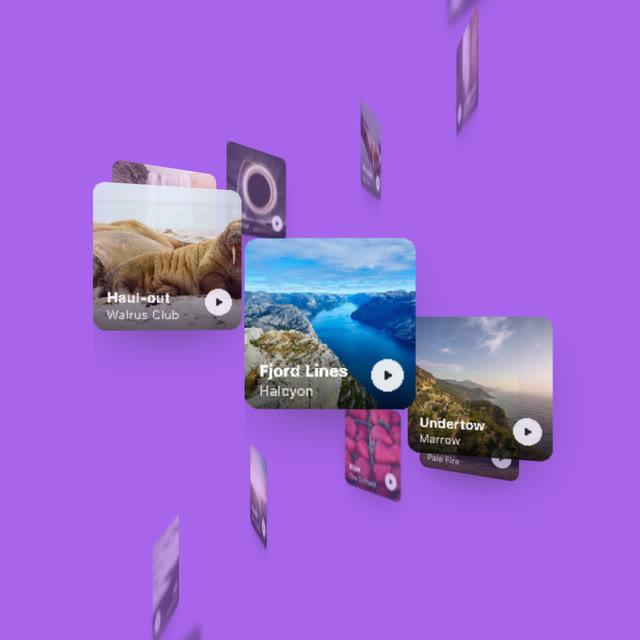
Explore a library of motion. Find your starting point, then make it yours.
Impractical is an AI motion-design platform that lets your coding agent create, edit, and export product videos, so your team can turn what it ships into launch-ready content.
Connect Claude Code, Codex, Cursor, or OpenCode through MCP. Your agent can use Impractical to work with projects, compose scenes, revise drafts, and export videos.
Describe the video you want and supply the product context, brand assets, or reference material your agent needs. A clear audience, one main message, and the intended use help define the brief.
Review the draft in Studio and give feedback in plain language, such as holding a logo longer or changing a color. Your agent can use those notes to revise the video before the next export.
Timing depends on the brief, scene complexity, assets, revisions, and render settings. Review the actual draft and export status in your project; a single turnaround estimate does not apply to every video.
You can create and revise videos through your connected agent and Impractical Studio without operating After Effects. You still choose the brief, review the result, and decide when it is ready to share.
Connect your agent, open the canvas, and turn a prompt into a finished motion video.