These notes use the publisher's title and description. The design ideas are suggestions, not observations from a visual review of the film.
About this announcement
Figma announced the open beta release of 3D Transforms, introducing the ability to manipulate dimension, perspective, and depth using x, y, and z rotation directly within the design tool.
The update also includes integration with the Figma agent to help users build and animate these 3D designs. Additionally, the publisher notes that the feature supports implementation through coding agents via the Figma Model Context Protocol (MCP).
Design ideas to consider
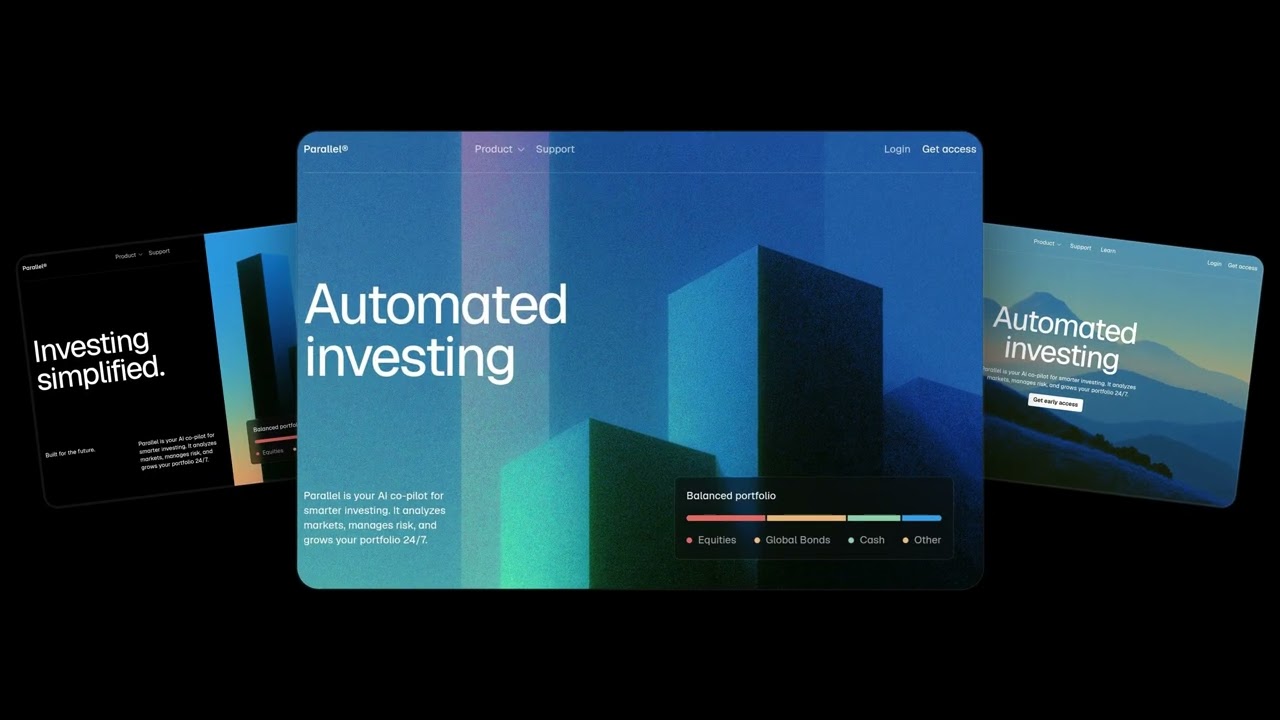
A designer introducing 3D design features could focus on the contrast between flat interfaces and spatial manipulations. A video might show a standard 2D card UI smoothly rotating along the x, y, and z axes to reveal hidden layers or depth, helping viewers understand the practical application of 3D transforms in everyday product design.
To highlight the AI assistance mentioned in the release, a product video could simulate a user's interaction with the Figma agent. A creator might use screen-replacement techniques to show a text prompt generating a complex 3D animation, demonstrating the speed and ease of the new workflow without needing to explain the underlying code.
Ideas for your own video
- When introducing spatial features like 3D transforms, consider contrasting a flat 2D layout with its new 3D counterpart to emphasize the added depth.
- Demonstrate AI agent integrations by showing the prompt and the immediate visual result, keeping the focus on the workflow rather than the technical backend.
Plan your own product video
Start with a product video script, then use the demo guide to work out what you need to show.
Want a video like this for your product?
Use your coding agent to create a video draft, edit its source, and request an MP4 export with Impractical.