What Nothing shipped
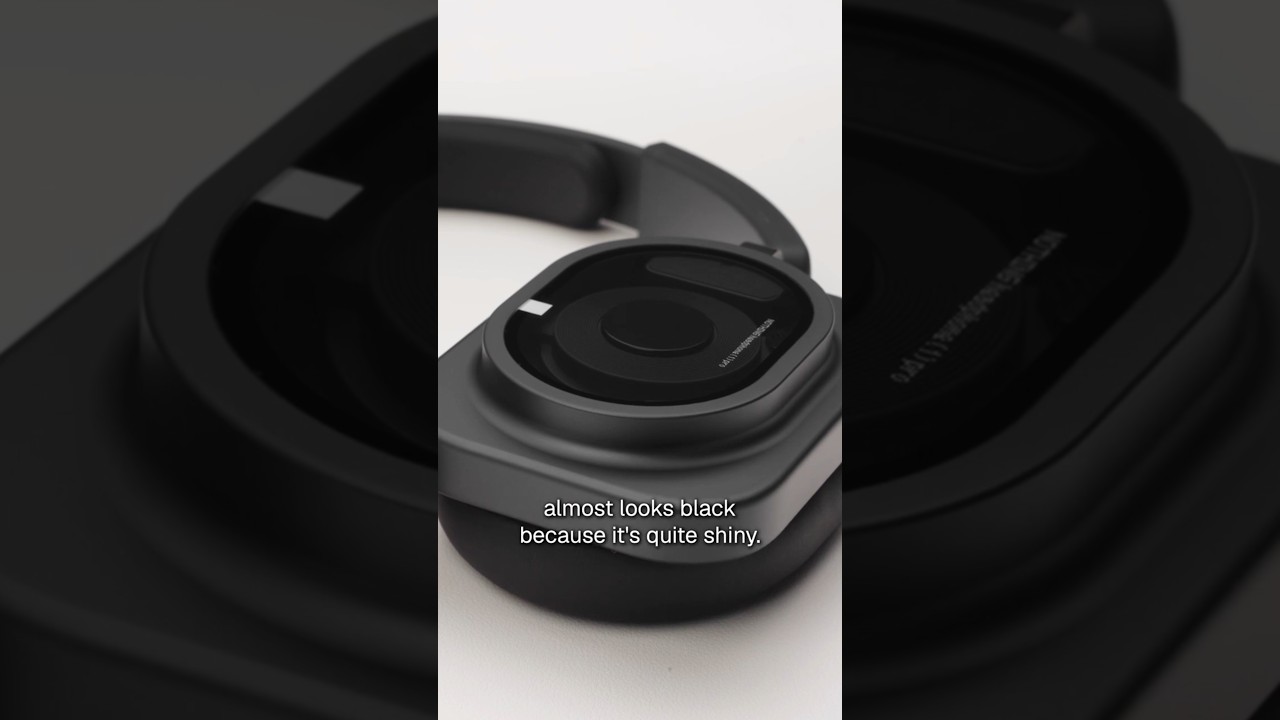
Nothing introduces Flat Mode for the Headphone (1) Pro. This focused feature update expands the audio capabilities of the company's flagship headphones, offering users a distinct, uncolored equalization profile.
By highlighting a specific listening mode, Nothing caters to audiophiles and creators who require a neutral sound signature, reinforcing the Pro designation of their hardware.
How the motion works
When introducing an audio-centric hardware feature like an EQ profile, pacing is critical. A designer could use cutting-on-the-beat to sync visual transitions with the backing track, instantly demonstrating the shift in sound quality. Hard cuts between the standard and flat EQ states can visually reinforce the stark contrast in the listening experience.
For a brand known for its distinct dot-matrix visual identity, typography should do heavy lifting. Kinetic typography could be employed to visualize the audio frequencies physically flattening out on screen. A scramble-text effect might introduce the 'Flat Mode' name, resolving just as the beat drops to anchor the feature's technical precision.
Showcasing physical hardware alongside a software feature requires deliberate camera work. A slow camera-drift over the transparent casing of the Headphone (1) Pro can maintain visual interest while UI elements are overlaid. A sudden punch-in on the exact moment the mode is activated—whether physically or digitally—grounds the abstract concept of sound in a tangible action.
What to steal from it
- Sync visual cuts to audio cues to demonstrate sound profiles.
- Use kinetic typography to visualize invisible features like equalization.
- Anchor abstract software features with deliberate camera moves on the physical hardware.
- Rely on hard cuts to contrast different user states or modes.
Want a video like this for your product?
Impractical cuts one from a single prompt — the same motion craft, in about twenty minutes.