These notes use the publisher's title and description. The design ideas are suggestions, not observations from a visual review of the film.
About this announcement
OpenAI announced a new calendar integration for ChatGPT. According to the company, users can now connect their personal or work calendars directly to the assistant to manage their daily schedules.
The feature is designed to handle routine scheduling tasks through natural language. The publisher notes that users can ask the assistant to find a later time for an existing meeting, allowing them to adjust their day without manually navigating calendar applications.
Design ideas to consider
When demonstrating an integration between an AI assistant and a calendar, a designer might consider using a split-screen layout. One side could display the conversational interface where the user types a request to move a meeting, while the other side shows the calendar visually updating the event block to a new time slot. This approach can help viewers immediately understand the cause and effect of the prompt.
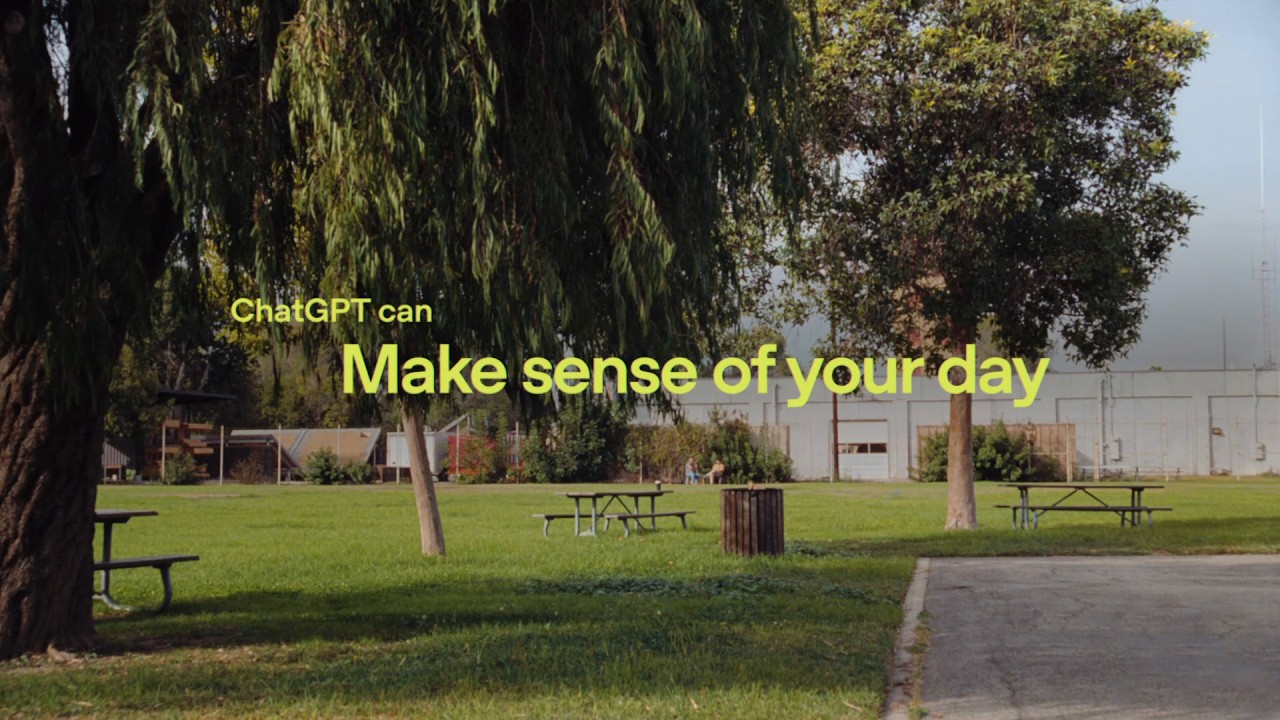
To emphasize the real-world benefit of saving time, a creator could frame the UI demonstration within a relatable lifestyle context. For example, a designer might start with a brief live-action or illustrated scenario of someone enjoying an activity, like being at the park, before transitioning into the interface. This gives the feature a practical narrative without needing complex technical explanations.
Ideas for your own video
- Show the direct result of a conversational prompt on an external application, like a calendar, to clearly illustrate the integration's functionality.
- Ground productivity features in relatable everyday scenarios, such as extending a break or managing a busy schedule, to highlight the practical value for the user.
Plan your own product video
Start with a product video script, then use the demo guide to work out what you need to show.
Want a video like this for your product?
Use your coding agent to create a video draft, edit its source, and request an MP4 export with Impractical.