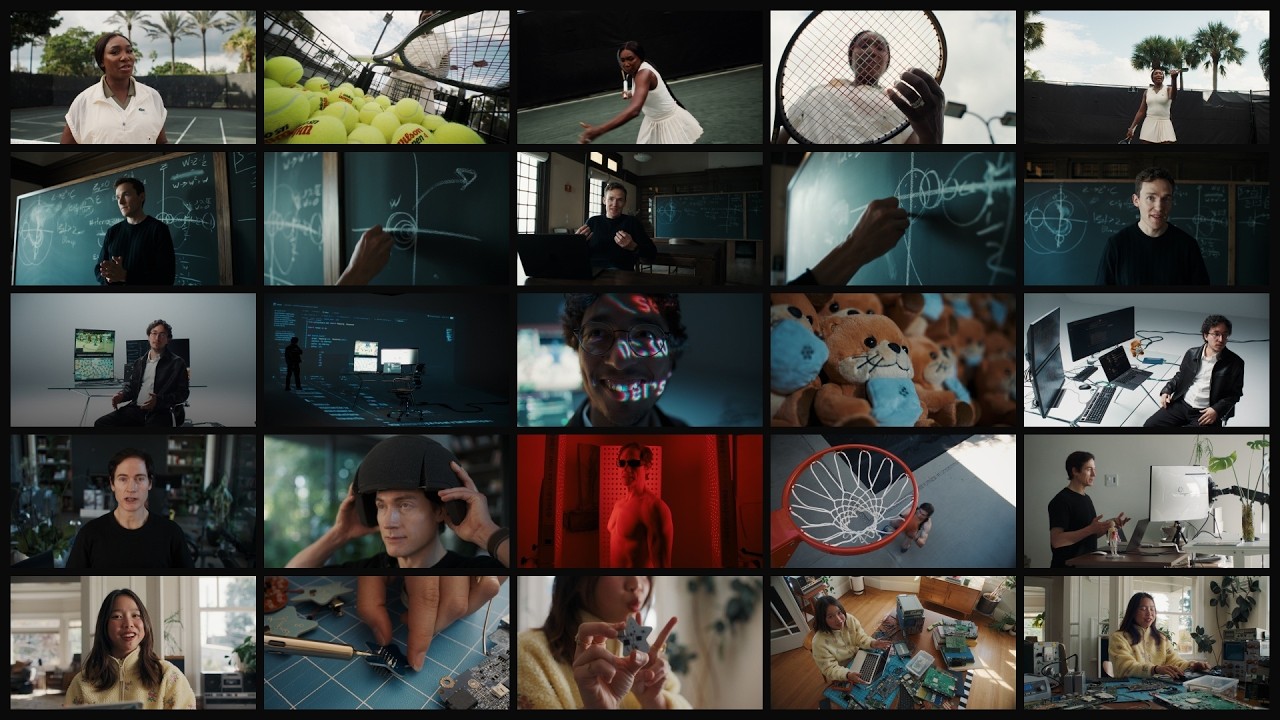
These notes use the publisher's title and description. The design ideas are suggestions, not observations from a visual review of the film.
About this announcement
OpenAI announced the release of GPT-6.2 Astra and GPT-6.2 Sol, positioning them as frontier and versatile models for professional and everyday use. According to the company, these models are designed to deliver better results on demanding tasks while using fewer output tokens, making them more cost-effective for businesses and developers operating at scale.
The announcement notes that GPT-6.2 Astra focuses on complex professional work, aiming to produce slides, spreadsheets, and documents that closely follow user templates and industry conventions. Meanwhile, GPT-6.2 Sol is described as a smarter, more efficient model for multistep workflows and general collaboration. Both models are available to Plus, Pro, Enterprise, and Edu users in ChatGPT Work and Codex, as well as to developers through the OpenAI API.
Design ideas to consider
When introducing a dual-model lineup like Astra and Sol, a designer might use a split-screen layout or contrasting color palettes to visually distinguish the heavy-duty capabilities of one model from the everyday efficiency of the other. This could help viewers immediately grasp the intended use case for each tier without needing to read detailed spec sheets.
To illustrate the claim that the models generate outputs that read less like AI and more like professional templates, a video could transition from a raw text prompt directly into a polished, formatted spreadsheet or slide deck. Showing the transformation in a clean, recognizable interface might ground abstract AI improvements in familiar, real-world tasks.
Ideas for your own video
- Use visual contrast, such as distinct color themes or split layouts, to clearly differentiate between two product tiers or models introduced in the same announcement.
- Demonstrate abstract quality improvements by showing a direct transformation from a simple input prompt to a highly formatted, industry-specific output.
- Highlight efficiency gains by visualizing reduced resource usage or processing speed, making cost-effectiveness tangible for developer and enterprise audiences.
Plan your own product video
Start with a product video script, then use the demo guide to work out what you need to show.
Want a video like this for your product?
Use your coding agent to create a video draft, edit its source, and request an MP4 export with Impractical.