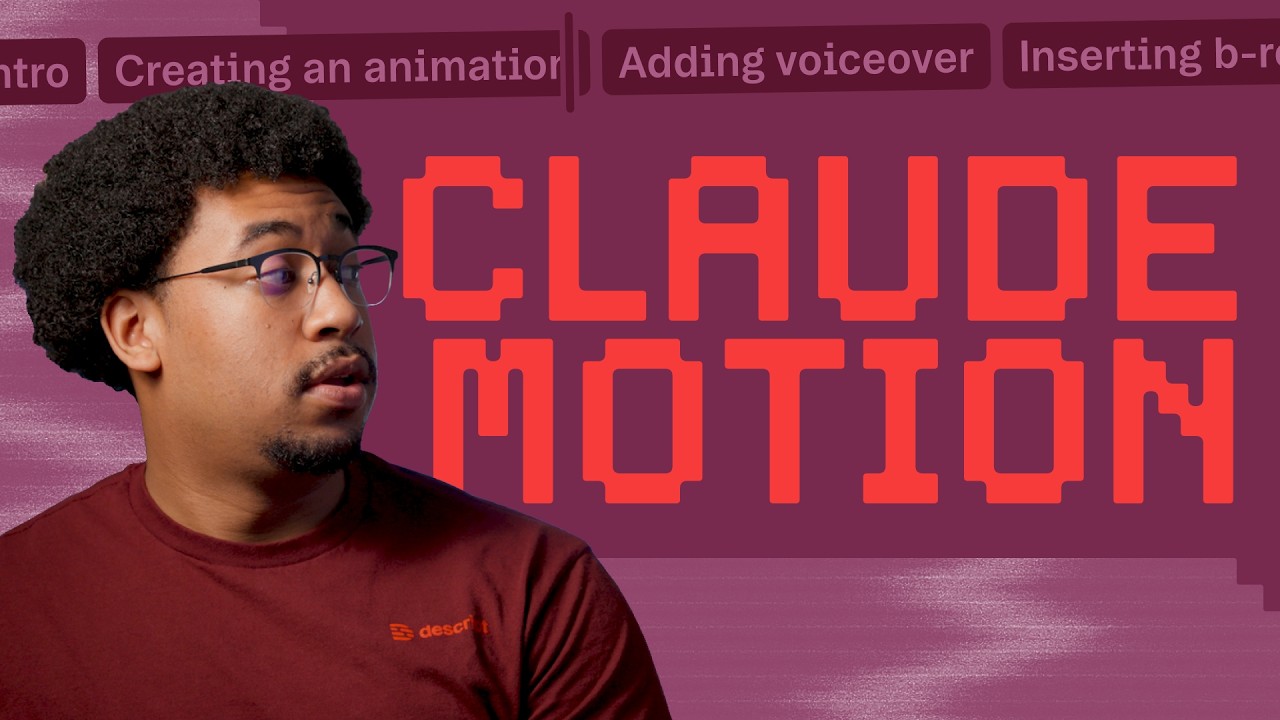
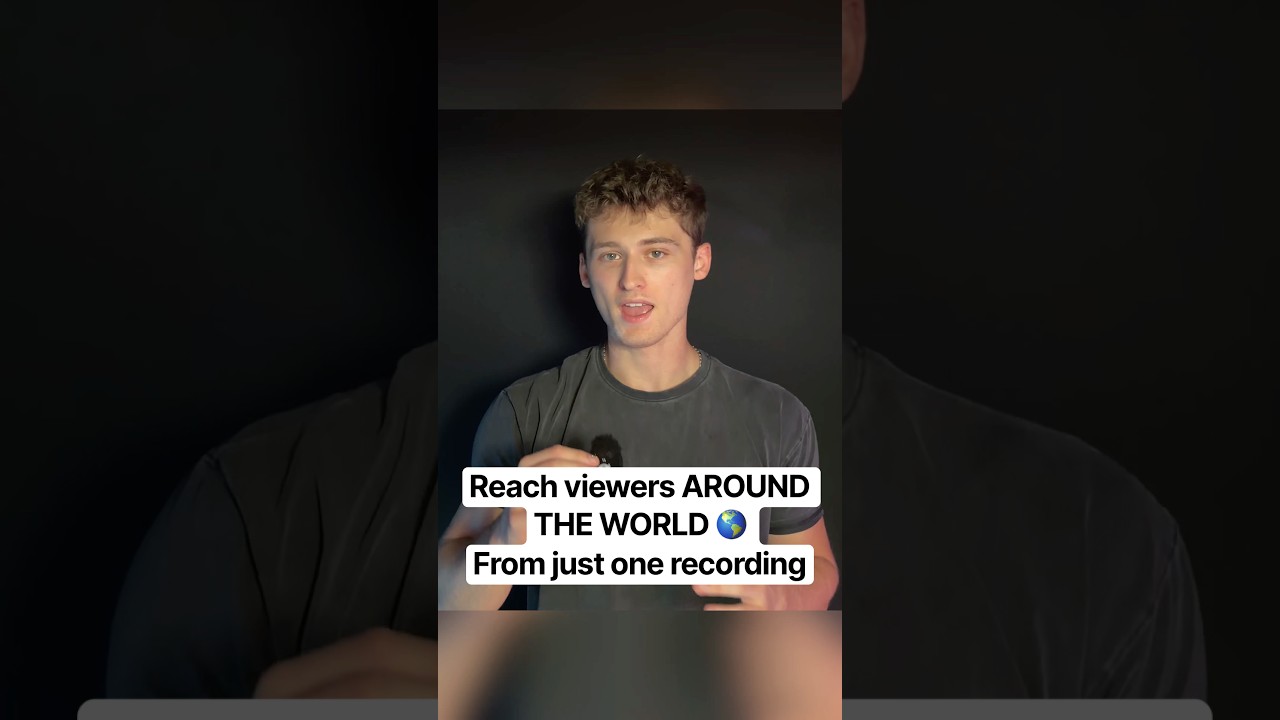
Official written announcement and current product page only. Video frames, audio and product behavior were not reviewed. Design ideas below are suggestions, not observations from the film.
About this announcement
Synthesia announced Syren in beta as a way to create videos from a prompt or supplied material, then refine them through chat. Its October 9 launch article described learning motion style and editing rhythm from existing videos as an upcoming capability. The current marketing page describes that capability directly, so the launch announcement and current positioning should be read separately.
These notes use Synthesia's written announcement and product page. We haven't reviewed the source video's frames or audio in this pass, or tested the product. The planning suggestions below are for your own video, not observations about how this film was made.
Design ideas to consider
Choose one production brief and keep it recognizable through the proposed demonstration. If a document supplies the content, show which information needs to survive in the result so viewers have a concrete way to judge the example.
Include a specific revision, such as changing a heading or correcting a product detail, and show what happens to the rest of the video. This would help someone evaluate the editing workflow beyond the first generation.
If brand matching is part of the pitch, show the reference and output together and explain which aspects you are comparing. A familiar color alone doesn't establish that typography, motion or editing rhythm matches the source.
Ideas for your own video
- Connect the supplied material to a result a viewer can inspect.
- Demonstrate a meaningful revision as part of the workflow.
- Separate announced plans, current product claims and independently tested behavior.
Related examples and guides
If you're evaluating a video tool for your own brand, start with the assets and revisions your team actually needs. These guides cover preparing that input, comparing workflows, and checking the delivered file.
Plan your own product video
Start with a product video script, then use the demo guide to work out what you need to show.
Want a video like this for your product?
Use your coding agent to create a video draft, edit its source, and request an MP4 export with Impractical.