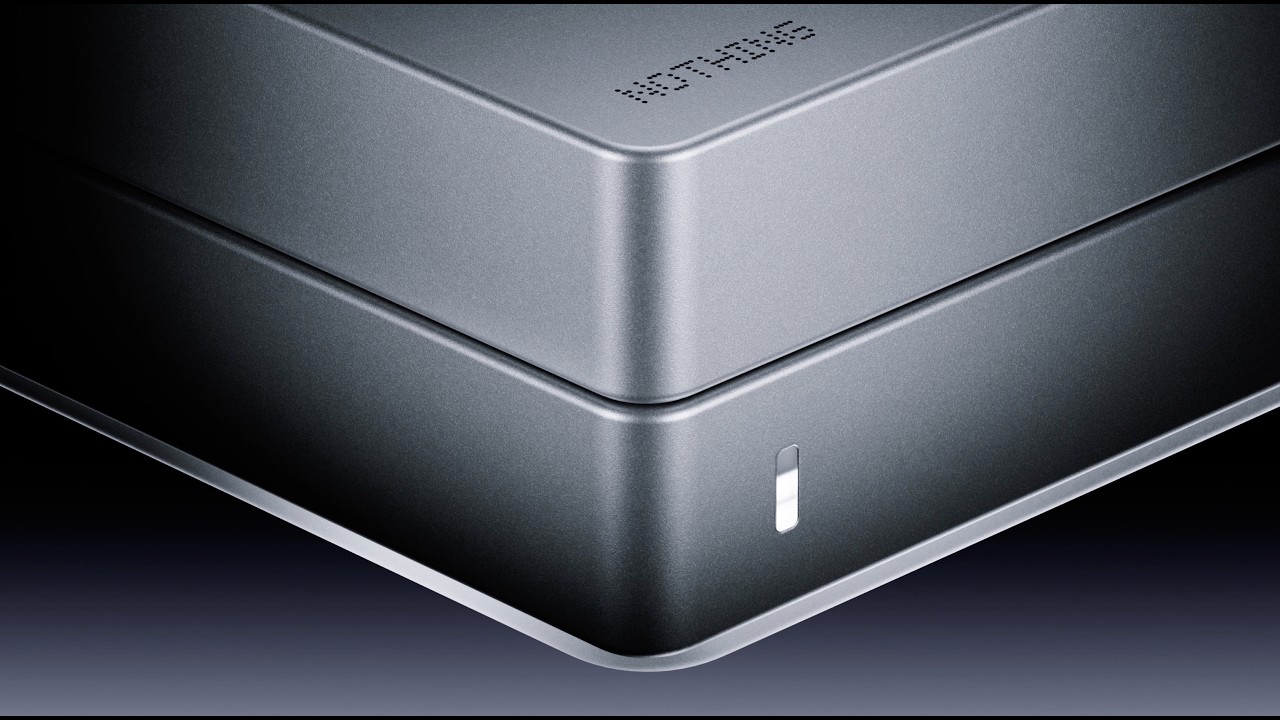
These notes use the publisher's title and description. The design ideas are suggestions, not observations from a visual review of the film.
About this announcement
teenage engineering introduced the K.O.–AMP 35, a new device that functions as a portable instrument amplifier, a Bluetooth speaker, and a USB audio interface. According to the company, users can connect a guitar, microphone, line-in, Bluetooth, and USB audio simultaneously.
The publisher notes that the amplifier includes eight built-in effects presets designed for guitars and microphones. It also supports broadcasting Bluetooth audio to multiple units, which allows users to create stereo configurations or larger audio setups for playing, practicing, or listening.
Design ideas to consider
When introducing a multi-functional audio device like the K.O.–AMP 35, a designer could structure the video around distinct use cases. A launch film might dedicate separate sections to its use as an instrument amplifier, a standard Bluetooth speaker, and a USB audio interface, using clear text overlays to transition between these modes. This approach helps viewers compartmentalize the feature set without feeling overwhelmed by technical specifications.
To highlight the device's connectivity, a creator might try using split-screen layouts or layered visual diagrams. A designer could show a guitar, a microphone, and a USB source all routing into the amplifier simultaneously. Visualizing the signal flow conceptually can make the idea of simultaneous inputs easier to understand for musicians looking to streamline their practice setups.
For features like multi-unit Bluetooth broadcasting, a video team could use spatial metaphors in the design. A designer might animate simple geometric representations of the amplifiers multiplying and spreading across a canvas to illustrate the creation of a stereo or expanded listening environment.
Ideas for your own video
- Structure a hardware launch around primary use cases, giving each function its own dedicated segment to clarify multi-purpose devices.
- Use conceptual diagrams or split layouts to visually explain complex connectivity, such as simultaneous audio inputs.
- Illustrate wireless expansion features, like multi-device pairing, using spatial graphics that show units connecting across an abstract space.
Plan your own product video
Start with a product video script, then use the demo guide to work out what you need to show.
Want a video like this for your product?
Use your coding agent to create a video draft, edit its source, and request an MP4 export with Impractical.