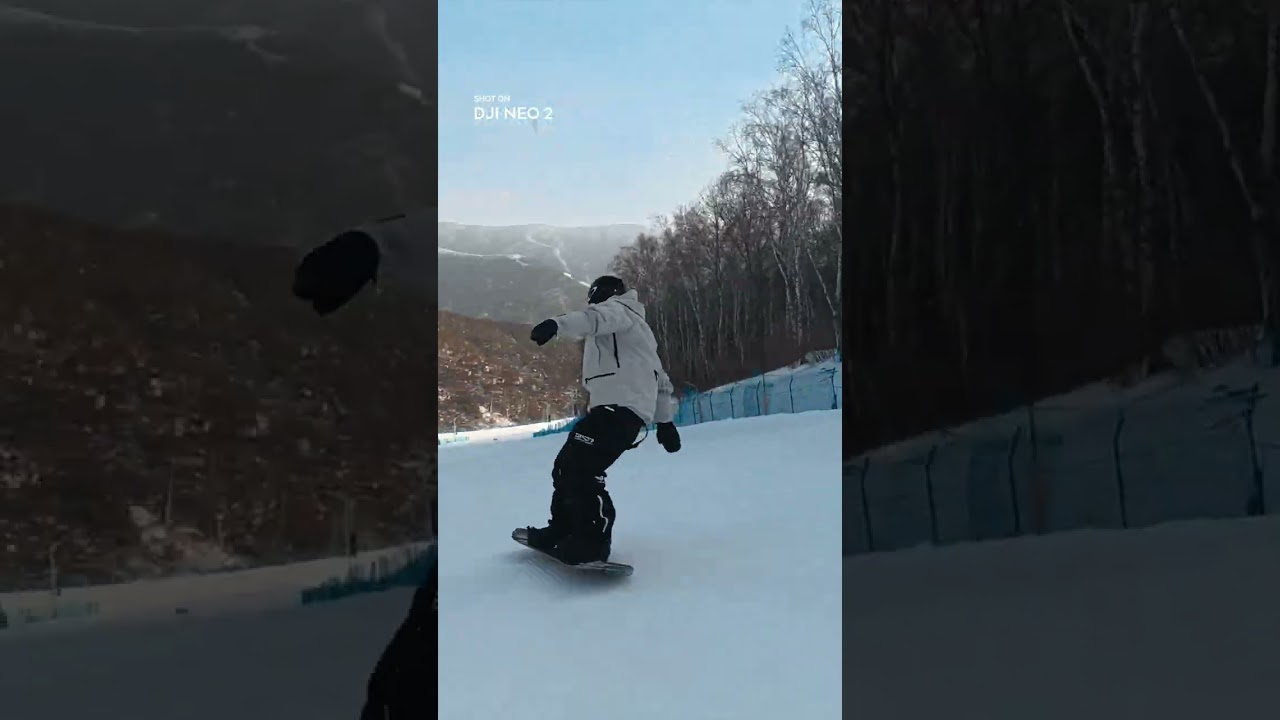
The review basis for these notes has not been recorded. Check visual details against the linked source video.
About this announcement
DJI highlights the variable aperture capabilities of the Osmo Action 6. Designed to handle changing light conditions on the fly, this feature targets cyclists and action shooters who move rapidly between shadow and harsh sunlight.
Short social vignettes like this rely on immediate visual proof. Rather than explaining the mechanics of an aperture blade, the focus remains entirely on the environmental shift and the camera's real-time response.
Video notes
When showcasing a hardware feature like variable aperture, motion designers can use a match-cut to bridge distinct lighting environments. Cutting directly from a heavily shaded trail to a bright, sunlit road—keeping the subject framed identically—forces the viewer to notice the exposure adjustment rather than the change in scenery.
Pacing in a twenty-second spot requires ruthless efficiency. A hard-cut approach works well here, dropping the audience straight into the action without fade-ins or slow establishing sweeps. The rhythm of the edit can mirror the physical activity, cutting on pedal strokes or gear shifts to maintain forward momentum.
To emphasize environmental changes, a subtle camera-drift can keep the frame feeling alive even if the action momentarily pauses. When the camera adapts to changing light, pairing the visual exposure shift with a crisp, mechanical sound design element—like the click of a lens or a bike gear—helps ground the technical feature in the physical world.
Design takeaways
- Demonstrate camera features through environmental contrasts rather than technical overlays.
- Use match cuts to isolate the specific variable you want the audience to notice.
- Anchor visual exposure shifts with mechanical sound design to make hardware adjustments feel tactile.
- Keep social-first feature highlights brief by dropping the viewer directly into the action.
Plan your own product video
Start with a product video script, then use the demo guide to work out what you need to show.
Want a video like this for your product?
Use your coding agent to create a video draft, edit its source, and request an MP4 export with Impractical.