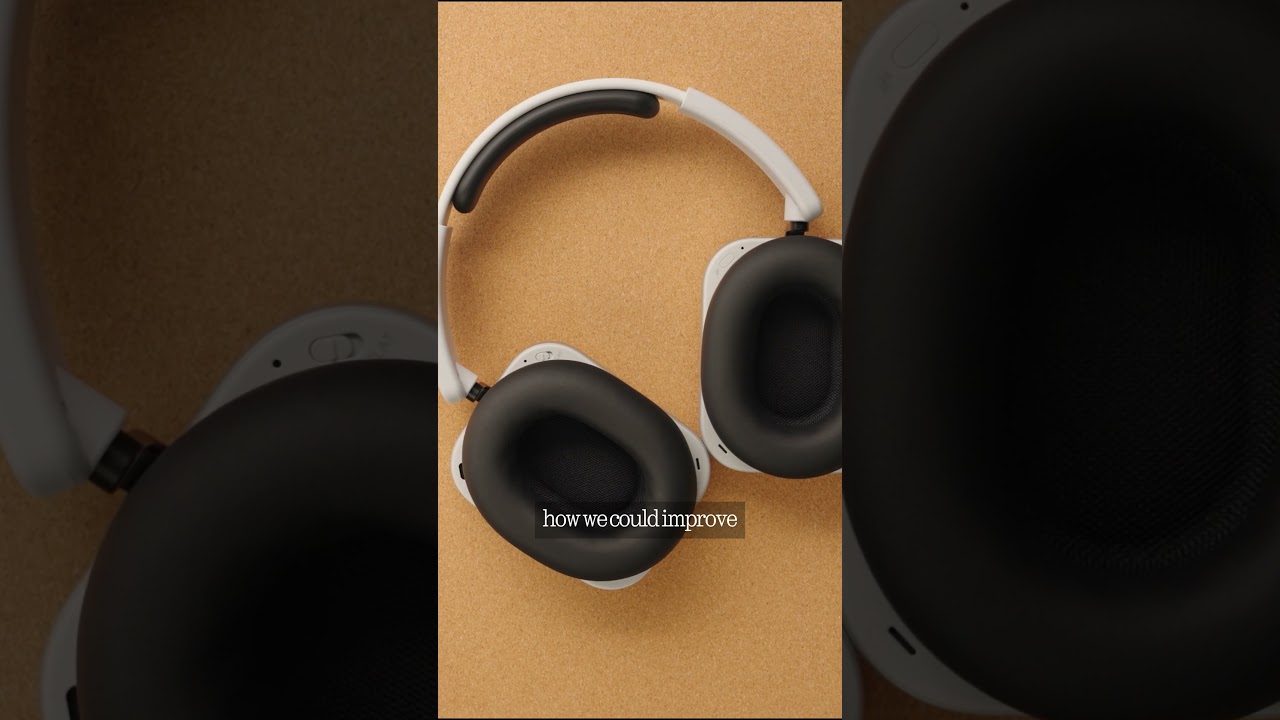
The review basis for these notes has not been recorded. Check visual details against the linked source video.
About this announcement
DJI announces the upcoming Osmo Pocket 4P, introducing a dual-lens cinematic pocket gimbal camera in a new Pearl White finish. This brief teaser sets the stage for a formal hardware reveal, signaling an upgrade to their portable stabilization lineup.
By focusing strictly on the date and the core "See More. Tell More." messaging, the film acts as a pure momentum builder. It prioritizes anticipation over feature explanation, a standard approach for established hardware iterations.
Video notes
When building a 15-second teaser for hardware like a dual-lens gimbal, pacing is the primary tool for generating interest. A designer might rely on a series of rapid hard-cuts to obscure the full form factor while highlighting specific premium details, such as the Pearl White finish or the new dual-lens array. Keeping the hold-time extremely brief on these macro shots builds anticipation without giving away the complete silhouette.
To emphasize the physical stabilization of a gimbal camera, the camera work in the teaser should contrast dynamic movement with mechanical precision. A sharp punch-in on the lens housing, coupled with smooth camera-drift along the device's axis, can visually communicate the product's core value proposition—cinematic stability—before the device is even fully unshadowed.
For the "See More. Tell More." messaging, kinetic-typography can be used to drive the rhythm of the edit. Staggering the appearance of the text to sync with a driving audio track ensures the release date and time land with maximum impact. Employing a clean masked-text-reveal for the final date card keeps the viewer's focus locked on the essential scheduling information.
Design takeaways
- Use extreme macro shots and short hold-times to tease hardware details without revealing the full product silhouette.
- Contrast rapid hard-cuts with smooth camera drifts to visually reinforce a product's physical stability.
- Sync kinetic-typography reveals with the audio track to drive momentum in ultra-short teaser formats.
- Keep the final call-to-action and date card visually stark to ensure the viewer retains the release schedule.
Plan your own product video
Start with a product video script, then use the demo guide to work out what you need to show.
Want a video like this for your product?
Use your coding agent to create a video draft, edit its source, and request an MP4 export with Impractical.