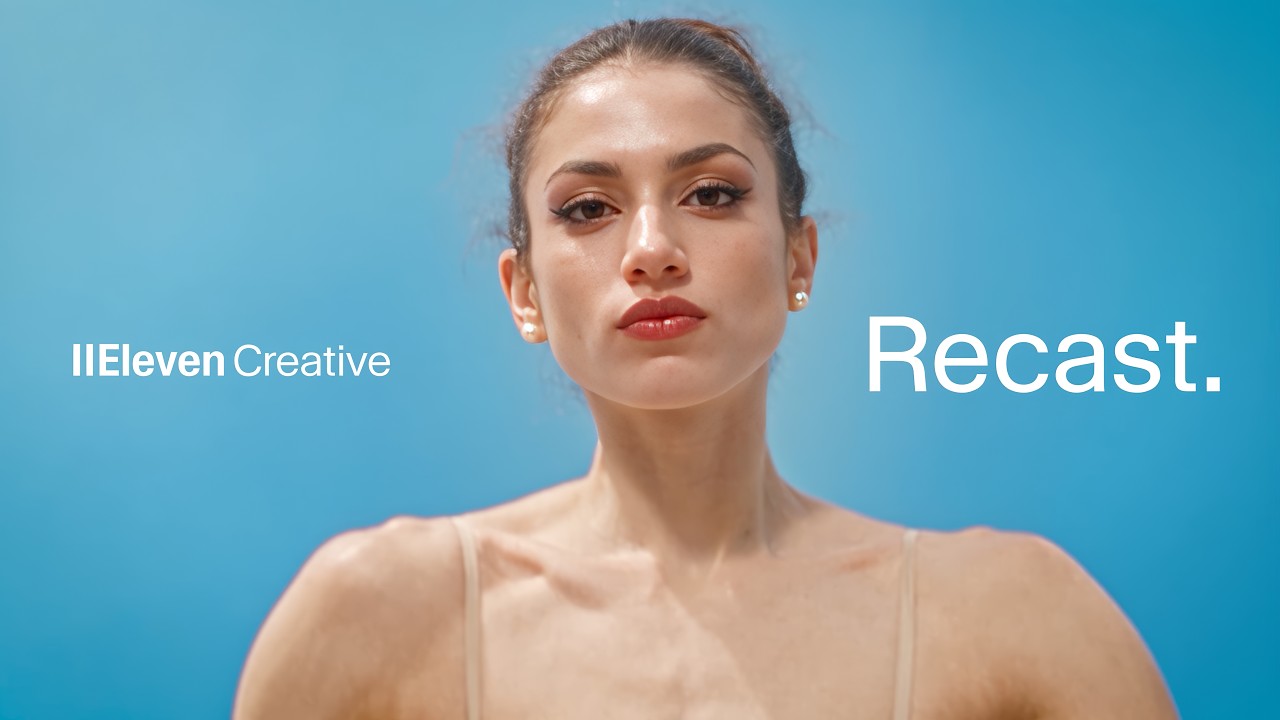
What HeyGen shipped
HeyGen launched HeyGen Voice, a proprietary voice model built specifically for video generation. While their previous work focused on photorealistic avatars, this release addresses the audio mismatch that often breaks the illusion of synthetic media.
By focusing on pacing, expression, and environmental acoustics, the model ensures the generated audio sounds like it actually belongs in the physical space of the scene—whether that is a busy street, a beach, or a quiet yard.
How the motion works
When demonstrating an audio-first product like a voice model that adapts to acoustics, the edit should let the sound lead. A designer could use a hard-cut between radically different environments—like a quiet yard to a busy street—forcing the viewer to immediately register the shift in background noise and vocal resonance.
To emphasize pacing and expression without relying on standard waveforms, motion design can step in. Kinetic-typography might be used to map the cadence of the spoken script directly onto the screen, scaling or shifting font weight based on the voice's inflection and volume.
To prove the avatar remains consistent while the environment changes, a match-cut is highly effective. By keeping the subject locked in the center frame and swapping only the background and the corresponding acoustic profile, the edit isolates the exact variable the product is meant to solve: environmental audio adaptation.
What to steal from it
- Let the audio track dictate the pacing of your cuts when demonstrating a sound-based product.
- Use match cuts to isolate and highlight a single changing variable, such as environmental acoustics.
- Support audio claims with typography that visually reinforces the pacing and expression of the voice.
Want a video like this for your product?
Impractical cuts one from a single prompt — the same motion craft, in about twenty minutes.