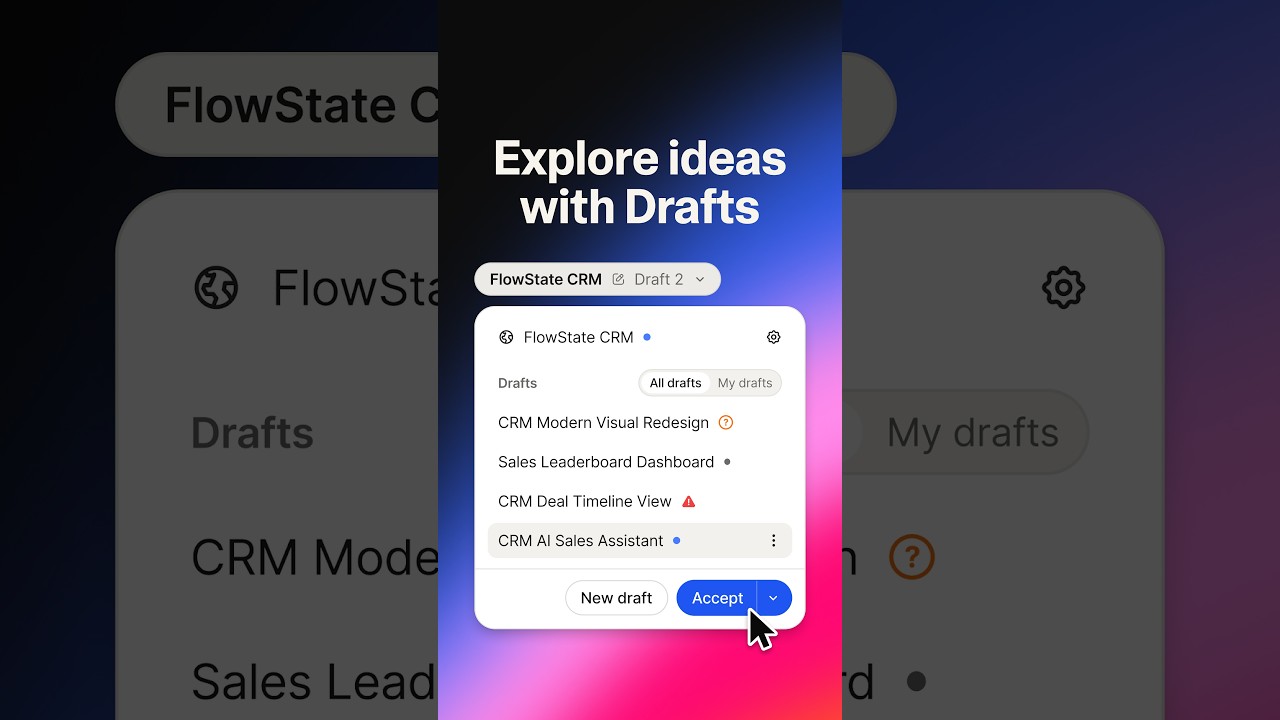
These notes use the publisher's title and description. The design ideas are suggestions, not observations from a visual review of the film.
About this announcement
Replit introduced Missions, a new capability designed to deliver outcome-based results through automated iteration. According to the company, the system allows users to set a goal, share a rubric, and define a budget and requirements before agent swarms take over the execution.
The publisher highlights a specific use case where Missions was deployed to enhance Replit Slides. They note that the agent swarms completed six rounds of iterations, reportedly achieving a 20 percent design improvement for under $500. Replit describes this automated workflow as a step toward self-driving software development.
Design ideas to consider
When introducing an AI-driven workflow like Replit Missions, a designer might try using a split-screen layout to contrast the manual setup phase with the automated execution phase. One side could show the user inputting the budget and rubric, while the other side visualizes the agent swarms processing multiple iterations simultaneously. This approach could help clarify the division of labor between the human user and the AI system.
To illustrate the concept of outcome-based results and cost efficiency, a motion designer could experiment with dynamic data visualizations. For example, a rising line graph tracking the design improvement percentage could be paired with a descending counter showing the budget being consumed. This might provide a clear, quantitative representation of the value proposition mentioned in the announcement.
Ideas for your own video
- Consider using side-by-side visual comparisons to clearly separate human inputs from automated AI outputs.
- Try incorporating dynamic counters or graphs to visualize abstract metrics like budget constraints and performance improvements.
- Experiment with abstract representations of agent swarms to give invisible backend processes a tangible visual identity in the video.
Plan your own product video
Start with a product video script, then use the demo guide to work out what you need to show.
Want a video like this for your product?
Use your coding agent to create a video draft, edit its source, and request an MP4 export with Impractical.