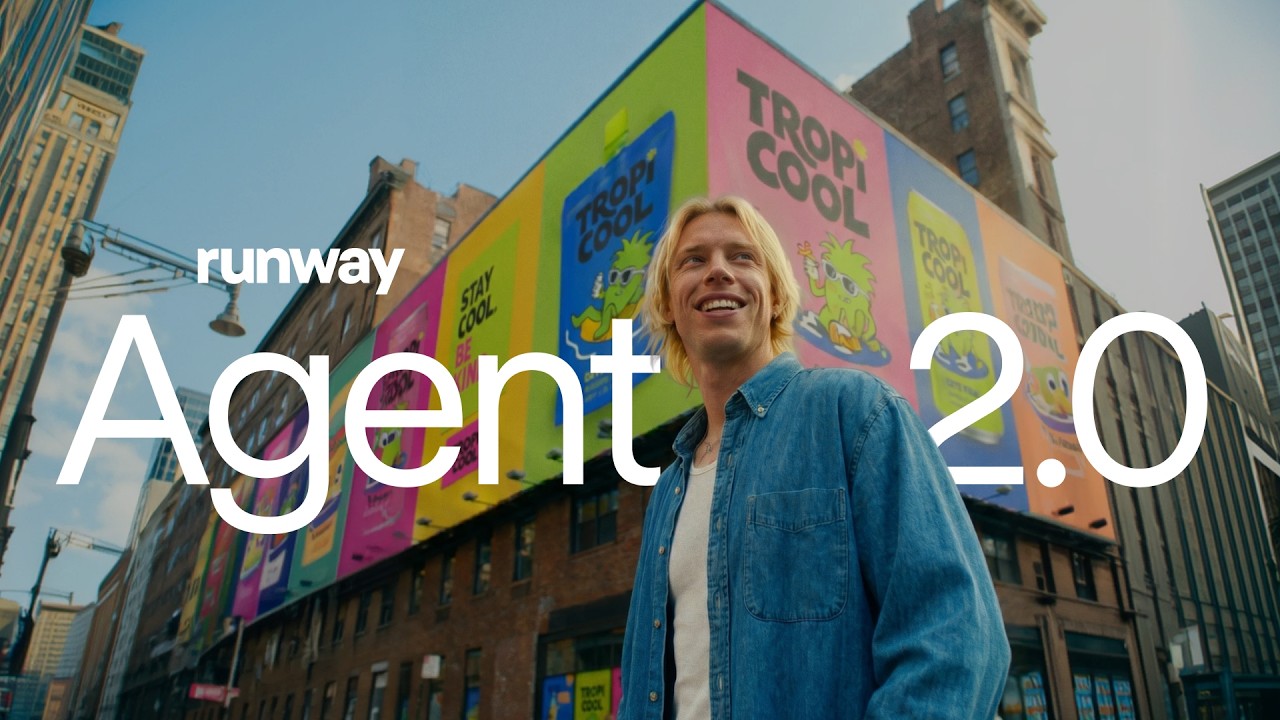
What Runway shipped
Runway opens up Aleph 2.0 to developers via their API, bringing granular, multi-shot video editing capabilities into third-party applications.
The 46-second film acts as a high-speed technical showcase. It proves the model's fidelity and temporal consistency through sheer visual volume, signaling capability to developers without getting bogged down in documentation.
How the motion works
Runway’s motion style relies heavily on cutting-on-the-beat to establish a relentless, confident cadence. The edit uses sharp hard cuts to juxtapose raw source footage with the AI-altered output. This rapid A/B testing structure proves the model's precision instantly, letting the generated video speak for itself.
Kinetic typography drives the narrative layer in the absence of voiceover. Stark, high-contrast sans-serif type sequences punch in and out, delivering the core technical constraints—such as '30 seconds' and '1080p'—as structural visual beats rather than secondary captions.
When referencing the API integration itself, the motion design avoids literal code scrolls. Instead, it relies on clean, abstract UI elements that slide into frame. Sharp easing curves imply system speed and responsiveness, while a subtle camera drift keeps the static elements feeling alive before snapping back to the generated video output.
What to steal from it
- Drive technical specs through kinetic typography rather than voiceover to maintain a high-energy pace.
- Use hard cuts on the beat to demonstrate before-and-after states without relying on muddy transition effects.
- Abstract API integrations into clean, moving UI components instead of showing static code blocks.
- Keep the duration tight when the primary goal is to signal availability rather than teach implementation.
Want a video like this for your product?
Impractical cuts one from a single prompt — the same motion craft, in about twenty minutes.