The review basis for these notes has not been recorded. Check visual details against the linked source video.
About this announcement
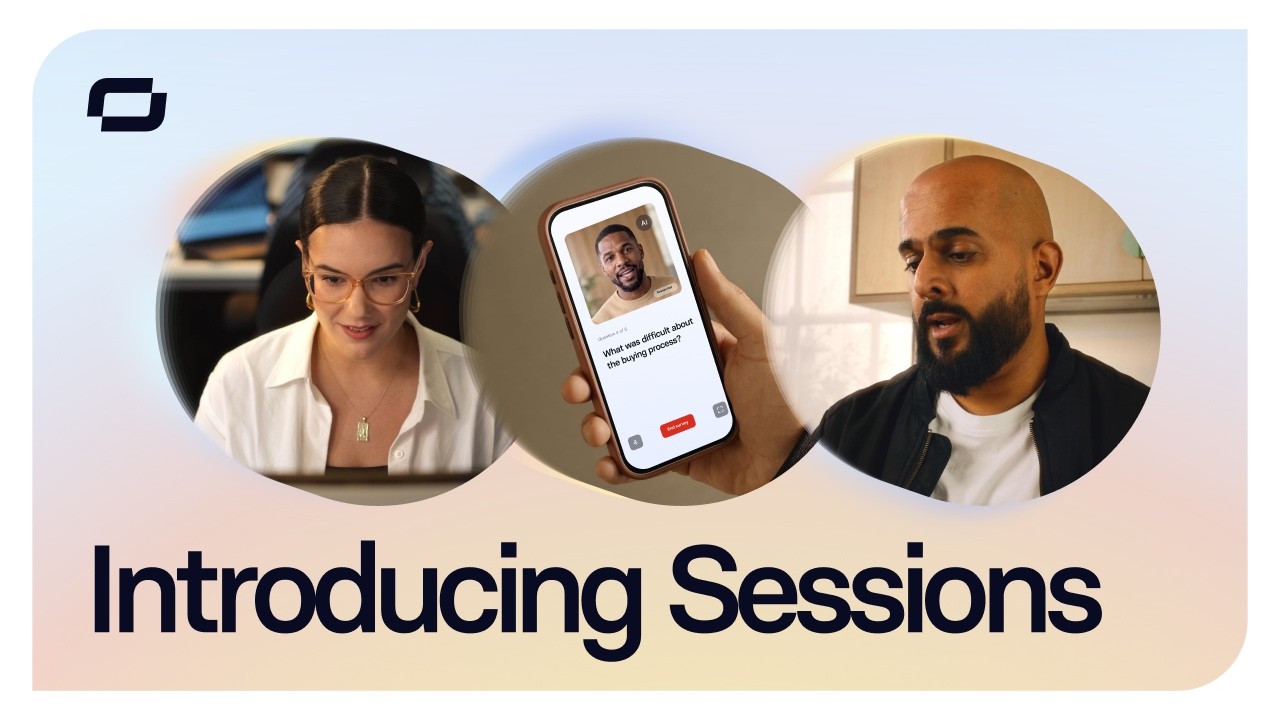
Synthesia introduces Survey Sessions, a new capability that replaces static feedback forms with live conversations hosted by an AI agent. By allowing respondents to talk directly to an interactive avatar, the feature aims to turn routine data collection into an engaging back-and-forth dialogue.
The shift from text inputs to spoken interaction requires a different approach to product demonstration. Instead of highlighting standard UI components like checkboxes and text fields, the focus moves to the latency, responsiveness, and natural feel of the AI host.
Video notes
When introducing a conversational AI interface, editors might consider relying on the hard-cut to transition between the user's spoken input and the avatar's response. Removing the dead air between turns keeps the dialogue feeling brisk and responsive, simulating the natural rhythm of human conversation without relying on artificial crossfades or distracting transitions.
To emphasize the shift from static text boxes to a live agent, designers could employ a punch-in on the avatar's face during key moments of the survey. This technique directs the viewer's eye away from the surrounding dashboard UI and grounds the interaction in the AI's facial expressions, reinforcing the conversational aspect of the product.
If highlighting the generated transcript or the specific questions being asked, kinetic-typography can be used to animate the text onto the screen in sync with the spoken words. Revealing the text dynamically rather than displaying a static block helps maintain visual momentum, ensuring the viewer remains engaged with the back-and-forth flow of the session.
Design takeaways
- Use hard cuts to tighten the pacing between human input and AI response.
- Punch in on the avatar to emphasize the shift from traditional UI to a character-driven interaction.
- Animate text elements dynamically to match the cadence of spoken dialogue.
Plan your own product video
Start with a product video script, then use the demo guide to work out what you need to show.
Want a video like this for your product?
Use your coding agent to create a video draft, edit its source, and request an MP4 export with Impractical.