What Airtable shipped
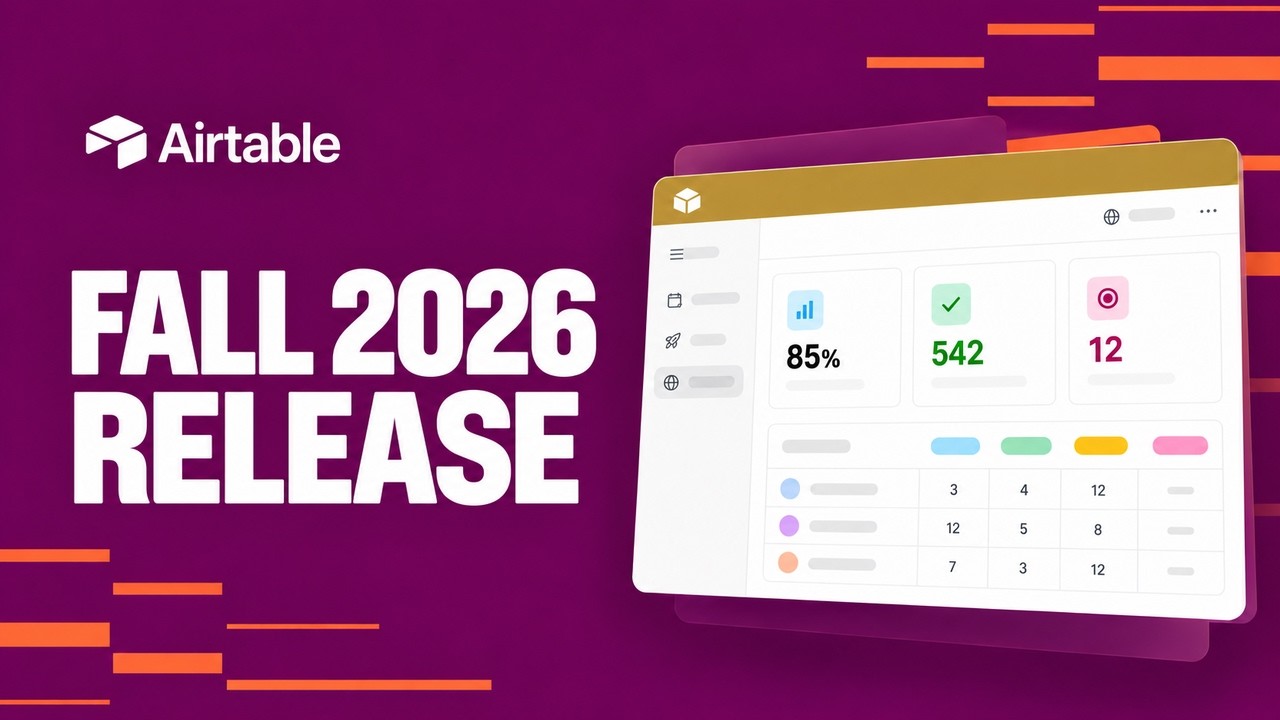
Airtable's October 2026 launch introduces MCP, marking a new phase in how the database platform handles complex operations. By framing the release around a specific capability, the team signals a shift toward more advanced, technical workflows.
When launching an acronym-heavy feature like MCP, the challenge is grounding abstract technical concepts in a recognizable interface. The motion design must bridge the gap between backend architecture and frontend utility.
How the motion works
When introducing a technical framework like MCP, motion designers should consider relying on a sequence of hard cuts to establish rhythm. Instead of floating through abstract space, cutting directly between UI states keeps the viewer grounded in the actual product experience. A hard cut forces brevity and prevents the pacing from dragging during complex explanations.
To emphasize specific data relationships or new architectural nodes, a punch-in serves as a highly effective tool. Pushing the camera rapidly into a specific grid cell or integration point directs the viewer's eye exactly where the new capability lives. This technique works best when paired with a sharp easing curve—fast acceleration with a long, smooth deceleration—to make the movement feel intentional rather than disorienting.
Kinetic typography can also carry the weight of explaining an acronym like MCP. Rather than relying solely on voiceover, animating the expansion of the letters into their full meaning helps cement the concept. Staggering the entrance of these text elements ensures the viewer reads them in the correct order, turning a potentially dry technical term into a dynamic visual anchor.
What to steal from it
- Use hard cuts to maintain momentum when demonstrating complex technical workflows.
- Employ a rapid punch-in to direct focus toward specific UI changes without relying on artificial highlights.
- Expand acronyms using kinetic typography to reinforce new terminology visually.
- Anchor abstract architectural concepts to familiar interface elements to keep the audience oriented.
Want a video like this for your product?
Impractical cuts one from a single prompt — the same motion craft, in about twenty minutes.