What Asana shipped
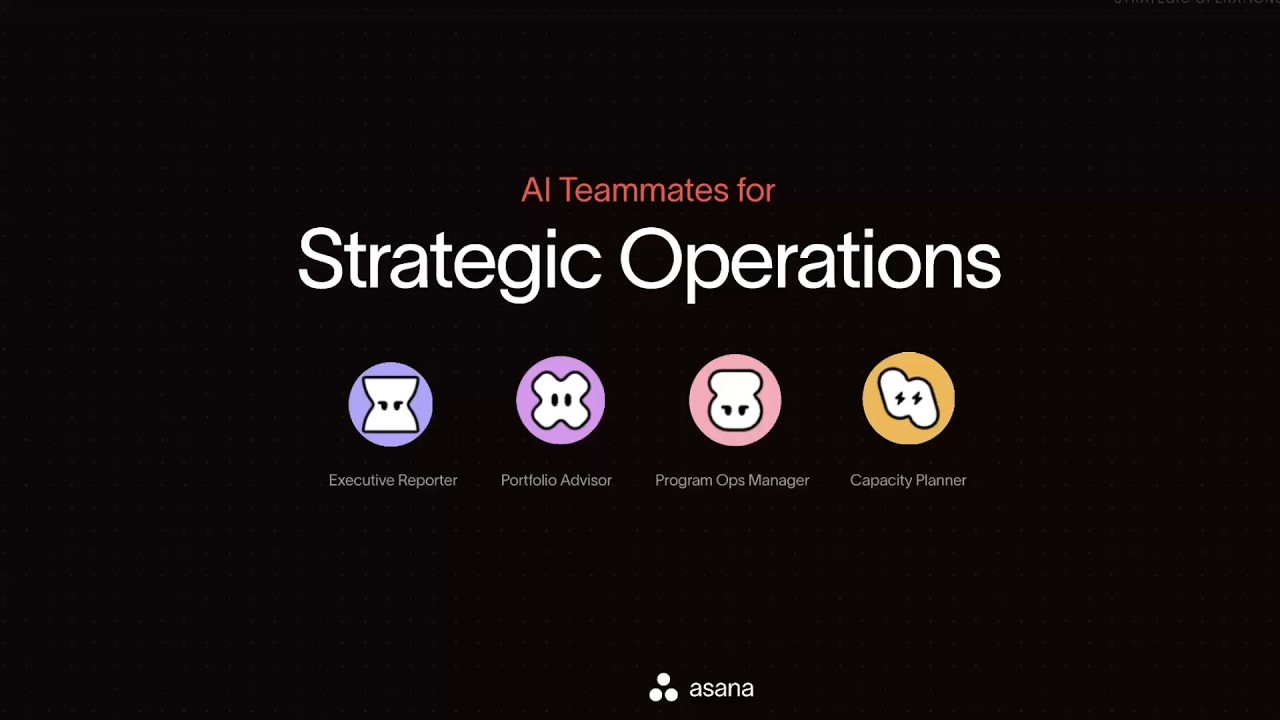
Asana introduced Asana Client Management, a dedicated suite designed for agencies and professional services. The release targets common agency friction points—scattered communication, account manager bottlenecks, and delayed margin tracking—by consolidating client portals, meeting tools, AI teammates, and team capacity metrics into a single workflow.
By framing the product around specific operational risks, the messaging shifts from a generic feature list to a targeted business solution. The focus remains on resolving the tension between client visibility and internal execution.
How the motion works
When designing a five-minute product walkthrough, pacing becomes the primary challenge. A motion designer could maintain momentum by using a punch-in to emphasize specific UI components, like the new Client Portal or AI Teammate interactions. This approach guides the viewer's eye directly to the value proposition without relying solely on the voiceover.
To transition between distinct features like the Client Directory and Team Capacity views, a swift match-cut can seamlessly bridge the gap. Instead of relying on static screen recordings, applying a subtle camera-drift keeps the frame alive during longer explanations, preventing visual fatigue while the narrative details margin risks and communication channels.
Typography can also play a structural role in an extended demo. Using kinetic-typography to introduce each core problem—such as scattered client communication—anchors the narrative. Staggering the entrance of UI elements during these chapter markers would create a polished, rhythmic progression through the walkthrough.
What to steal from it
- Use subtle camera-drift on static UI shots to maintain visual momentum during extended voiceovers.
- Anchor distinct product chapters with kinetic typography to reset the viewer's attention.
- Employ a punch-in to isolate key interface elements, ensuring the audience knows exactly where to look.
- Bridge different interface modules with match-cuts to establish a cohesive, unified workflow.
Want a video like this for your product?
Impractical cuts one from a single prompt — the same motion craft, in about twenty minutes.