What Figma shipped
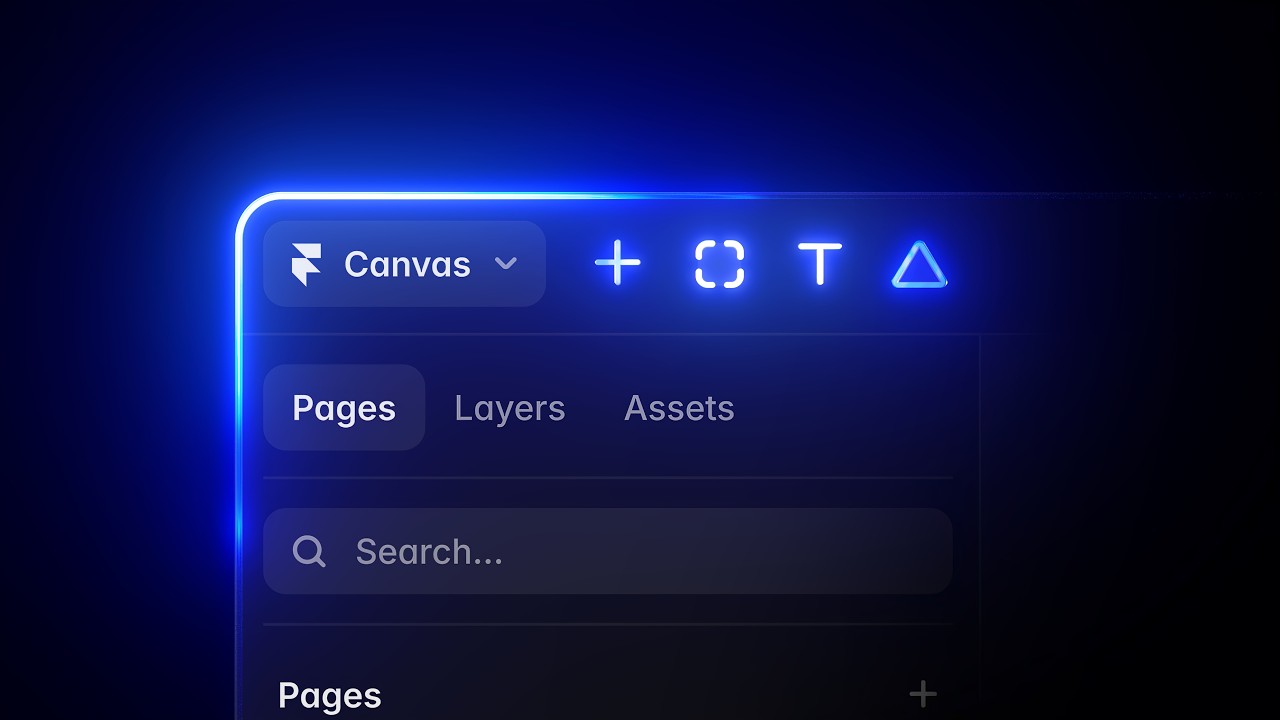
At Config 2026, Figma announced Figma Motion, bringing native animation and interactive prototyping directly onto the design canvas. For years, UI designers relied on external plugins or entirely separate software to articulate complex transitions. This release collapsed that workflow, embedding timeline-based animation and physics into the core product environment.
The launch video had a distinct mandate: to introduce a motion tool, the motion itself had to be the primary communicator. Instead of relying on voiceover or dense UI walkthroughs, the film uses its own visual language to prove the feature's capability, turning the canvas into a stage for its new physics engine.
How the motion works
The piece immediately establishes its mechanics by showing rather than telling. UI elements enter the frame utilizing the tool's native physics, easing in with a springy overshoot before settling precisely on a musical beat. This isn't just aesthetic flair; it serves as a live demonstration of the exact spring parameters users can now manipulate in the right-hand properties panel. The easing curves themselves dictate the pacing of the entire edit.
To navigate the notoriously dense interface of a design tool, the video employs a continuous, smooth camera drift. Rather than cutting abruptly between disparate UI states, the camera glides across the infinite canvas, maintaining spatial awareness. When the edit does cut, it relies on precise match cuts, transitioning seamlessly from a static component to its fully animated counterpart. This technique keeps the viewer's eye anchored while clearly contrasting the static past and the animated future of the design process.
Stagger is used meticulously to direct attention within complex menus. When a new timeline or property panel appears, the individual rows populate in a rapid, cascading sequence, guiding the eye exactly to the new controls without overwhelming the viewer. The overarching craft here is restraint. Every transition and motion choice doubles as a literal feature callout, ensuring the video never feels frantic despite the density of the interface being showcased.
What to steal from it
- Use your product's actual physics and easing curves to drive the pacing of your launch video.
- Anchor UI navigation with continuous camera drifts to maintain spatial awareness across complex interfaces.
- Employ match cuts to instantly communicate the delta between a static state and an activated feature.
- Stagger the entrance of dense UI panels to guide the viewer's eye sequentially to the most critical information.
Want a video like this for your product?
Impractical cuts one from a single prompt — the same motion craft, in about twenty minutes.