What Warp shipped
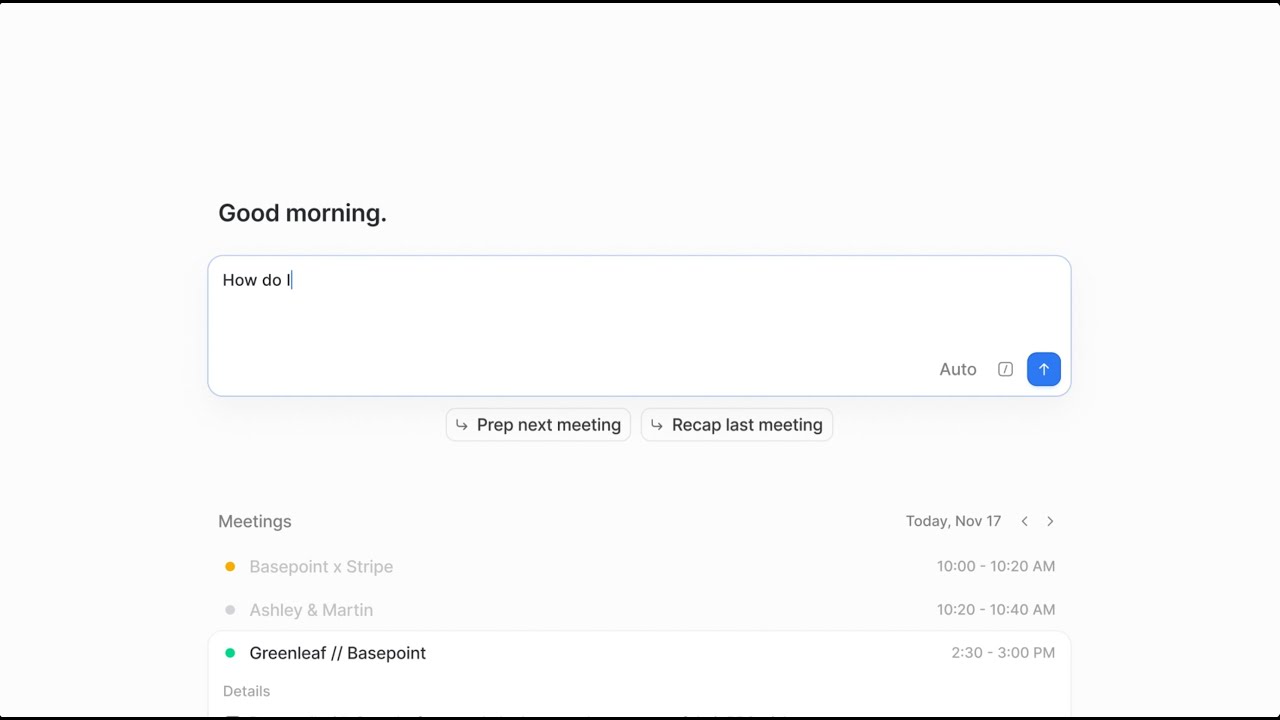
Warp steps into the crowded HR and payroll space with a distinct positioning: an AI-native platform built to handle the invisible, high-friction work of scaling a company. By automating state tax accounts, payroll forms, and compliance notices, they aim to replace the fragmented stack of traditional HR tools.
The launch film introduces the platform not just as a tool, but as an autonomous agent. It relies heavily on UI abstraction and deliberate pacing to translate complex, bureaucratic workflows into frictionless digital experiences.
How the motion works
The film establishes the problem of bureaucracy and fragmented systems using kinetic-typography to visualize the weight of administrative tasks. Words stack and crowd the frame, creating a sense of visual claustrophobia that is immediately relieved by a hard-cut to Warp’s clean, spacious interface. This contrast sets the foundational visual language: chaos versus control.
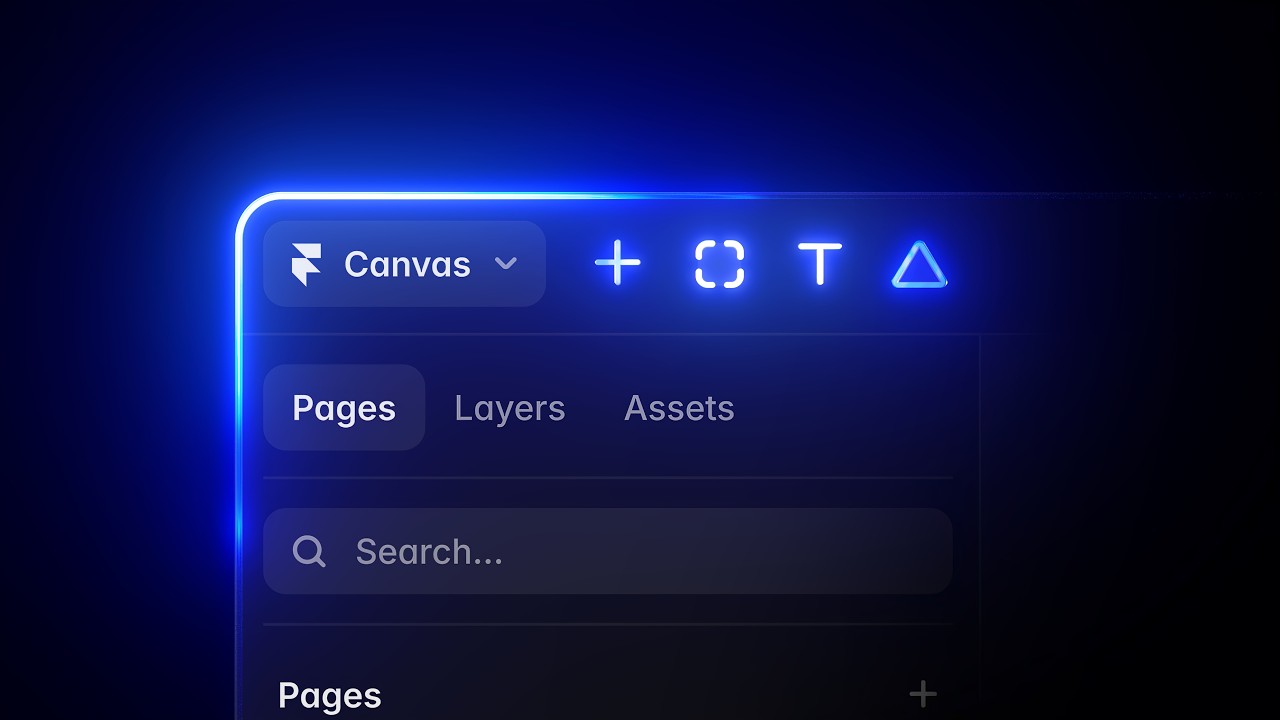
UI motion drives the narrative. Instead of raw screen captures, the team uses stylized UI elements, relying on a punch-in technique to direct the viewer's eye to specific interactions like automated tax resolution or one-click onboarding. The cursor movements are heavily smoothed, utilizing tight easing curves that feel decisive rather than hesitant, reinforcing the concept of AI autonomy.
A subtle camera-drift is maintained throughout the abstract product shots, keeping the frame alive even during longer hold times meant for reading. When transitioning between the platform's core pillars—payroll, benefits, and IT—the cuts are sharp and rhythmic, maintaining momentum across the two-minute runtime without fatiguing the viewer.
What to steal from it
- Use typographic crowding to visually simulate user frustration before revealing a clean solution.
- Abstract complex UI into simplified vector layers to keep the focus on the workflow rather than interface noise.
- Employ a constant, subtle camera drift on static UI screens to maintain visual interest without distracting from the core message.
- Contrast pacing by using rapid cuts for problem statements and longer hold times for the product reveal.
Want a video like this for your product?
Impractical cuts one from a single prompt — the same motion craft, in about twenty minutes.