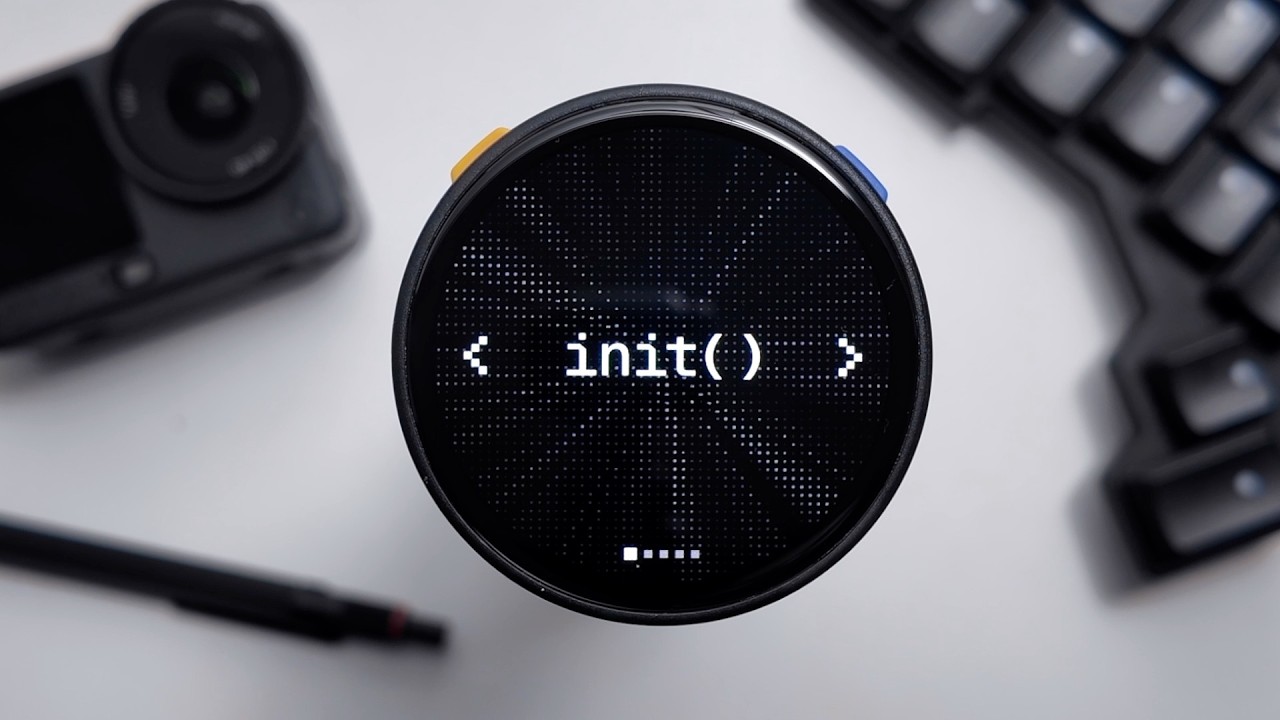
What GitHub shipped
GitHub is extending Copilot's capabilities with intelligent local model routing. This feature shifts orchestration from the cloud directly to the local machine, automatically discovering installed models from providers like Ollama and Microsoft Foundry Local without manual setup.
By offloading simple tasks, codebase explanations, and background automations to on-device models, developers can operate completely offline and consume zero AI credits. It represents a structural shift in how AI assistants balance cloud power with local privacy, latency, and cost.
How the motion works
When introducing a technical workflow like local model routing, pacing is critical. A motion designer could use a hard-cut sequence to clearly delineate between cloud and local computing states. Establishing the cloud connection first, then snapping abruptly to a local environment, visually reinforces the transition to offline capability without needing explicit narration.
Demonstrating automatic model discovery requires focusing the viewer's attention on specific UI elements. A punch-in technique works well here. By rapidly scaling into the dropdown menus or status indicators where Ollama or Foundry Local appear, the edit strips away extraneous interface noise and anchors the viewer on the exact moment of discovery.
Explaining the economic benefit—zero AI credits—demands clear, unmissable text. Kinetic typography can deliver these core value propositions efficiently. Animating the words 'zero credits' or 'completely offline' with sharp, decisive easing ensures the messaging lands, holding on the final state just long enough for the user to read and comprehend.
Balancing fast UI demonstrations with adequate hold-time is essential for developer tools. If a video shows Copilot executing a background automation on an on-device model, pausing the action allows the technical audience to parse the generated code. A pattern-interrupt—slowing the rhythm right as the local model takes over—signals that something fundamentally different is happening under the hood.
What to steal from it
- Use abrupt visual transitions to clearly separate cloud and local computing states.
- Employ punch-ins on specific UI elements to highlight automatic configuration without interface clutter.
- Deliver core economic benefits like zero-credit usage through kinetic typography rather than relying solely on voiceover.
- Ensure adequate hold-time on code generation sequences so technical viewers can validate the output.
Want a video like this for your product?
Impractical cuts one from a single prompt — the same motion craft, in about twenty minutes.