What GitHub shipped
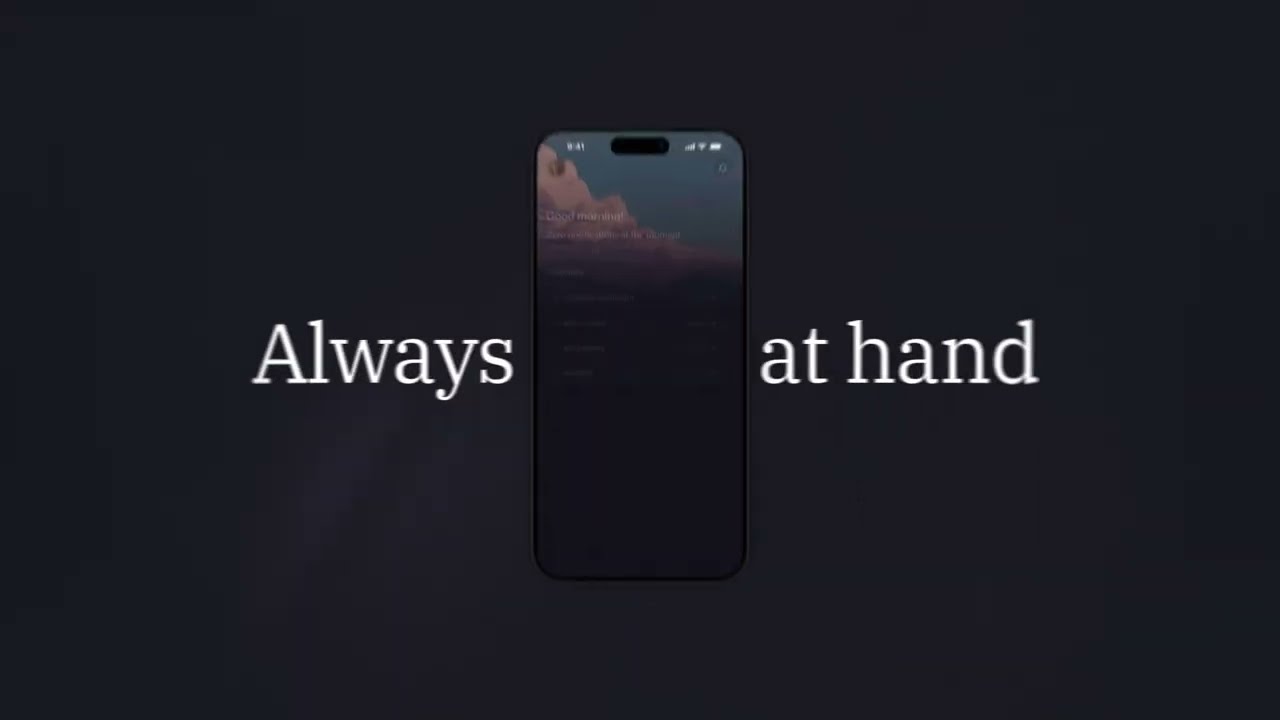
GitHub opens access to the Copilot desktop app for Free and Education tiers. The 23-second spot operates as a pure awareness play, relying on high-contrast visuals and rapid pacing to communicate immediate availability across operating systems.
In typical GitHub fashion, the motion design treats UI as a graphic element rather than a literal screen recording. The focus is on absolute speed, moving developers from the announcement directly to the download button without over-explaining features they already understand.
How the motion works
The edit leans heavily on cutting-on-the-beat, driving the brief runtime with a relentless, percussive rhythm. GitHub’s signature dark mode aesthetic provides a high-contrast backdrop for kinetic-typography that flashes key value props—macOS, Windows, Linux, and BYOK support—without lingering long enough to stall the momentum.
UI elements are introduced through aggressive punch-in maneuvers. Instead of showing the full desktop environment, the camera isolates specific functional components, like the agentic coding prompt and the model selection dropdown. This abstraction removes visual clutter and forces the viewer's eye exactly where the narrative demands.
Transitions rely on the hard-cut rather than complex easing or fluid morphs. This editorial choice strips away unnecessary gloss, aligning with the utilitarian nature of a developer tool. The motion is mechanical, precise, and entirely devoid of decorative animation, reinforcing the product's focus on workflow acceleration.
What to steal from it
- Use hard cuts to maintain momentum in sub-30-second spots.
- Isolate UI components with aggressive scaling rather than showing full-screen interfaces.
- Treat typography as a percussive element to anchor a fast-paced edit.
- Strip away decorative easing when the product value is pure utility.
Want a video like this for your product?
Impractical cuts one from a single prompt — the same motion craft, in about twenty minutes.