What Notion shipped
Notion 3.0 marks the transition from a passive workspace to an active collaborator. With the introduction of AI Agents, the platform now autonomously builds documents, structures databases, and executes multi-step workflows based on natural language prompts.
This launch video had a distinct challenge: visualizing invisible autonomous work without making it feel alien or overly complex. By leaning into their established warm, approachable aesthetic, Notion grounds a significant technological leap in a familiar, human-centric interface. The motion design does the heavy lifting of making a complex AI proposition feel entirely natural.
How the motion works
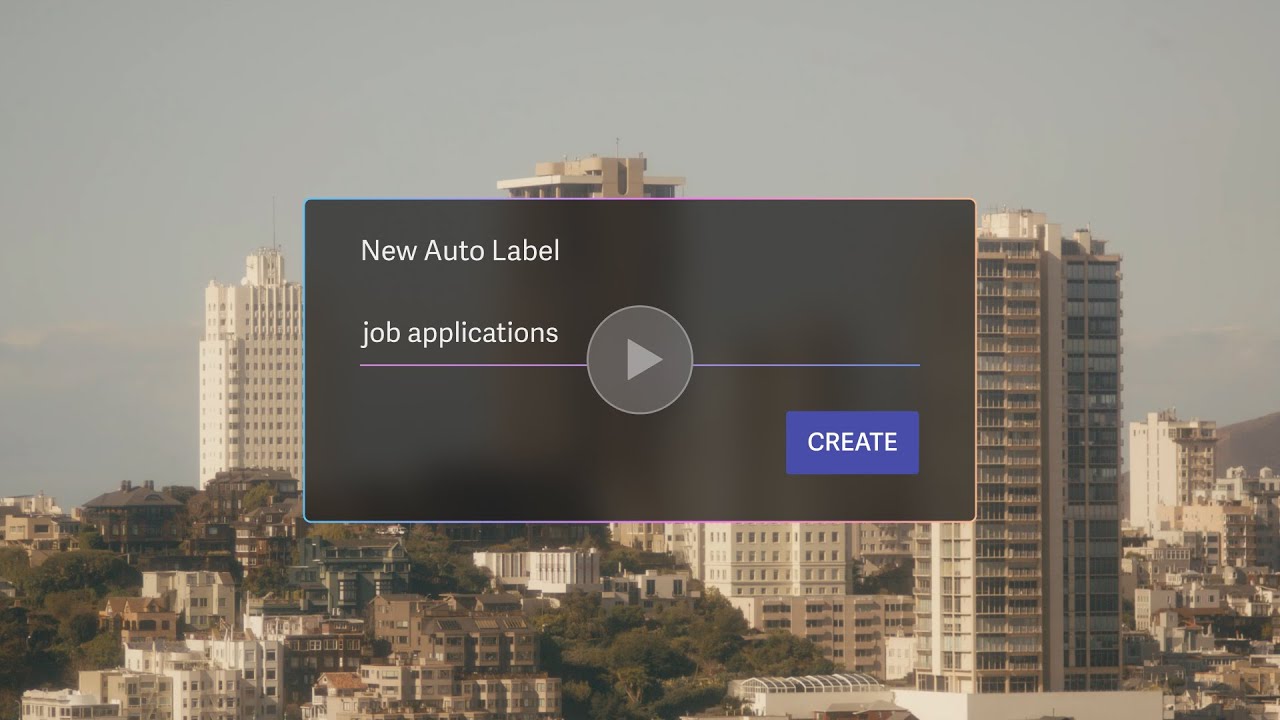
The motion design anchors the concept of autonomous agents in conversational pacing. Typewriter animations on the AI prompts mimic the natural cadence of human input. Instead of a sterile, instantaneous text reveal, the staggered keystrokes make the interaction feel organic, immediately establishing a collaborative relationship between the user and the system.
To visualize the agent executing complex tasks, the edit relies on precise stagger animations. As the AI generates databases and workflows, UI blocks cascade and assemble on screen in rapid, sequenced succession. This transforms the abstract concept of background processing into a tangible, physical construction, proving the agent's utility by showing the literal weight of the work being done.
Demonstrating autonomous generation requires extended screen time on a single interface, which risks visual stagnation. To counter this, deliberate, gentle punch-ins guide the viewer's eye through the UI. These camera moves maintain momentum during long build sequences, directing focus to specific data points and preventing the macro layout from feeling overwhelming.
Interstitial kinetic typography acts as the connective tissue between interface shots. By keeping the text in constant, fluid motion, the edit maintains a brisk rhythm even when the subject matter is dense. This lively pacing, combined with Notion's signature warm easing, ensures that a heavy claim—an agent doing twenty minutes of administrative work in seconds—feels accessible and inviting.
What to steal from it
- Use typewriter animations to give text inputs a human, conversational cadence.
- Visualize abstract background processing by cascading and staggering UI elements as they assemble.
- Employ gentle camera punch-ins to maintain visual momentum during extended interface demonstrations.
- Bridge dense product shots with kinetic typography to keep the overall edit brisk and engaging.
Want a video like this for your product?
Impractical cuts one from a single prompt — the same motion craft, in about twenty minutes.