What OpenAI shipped
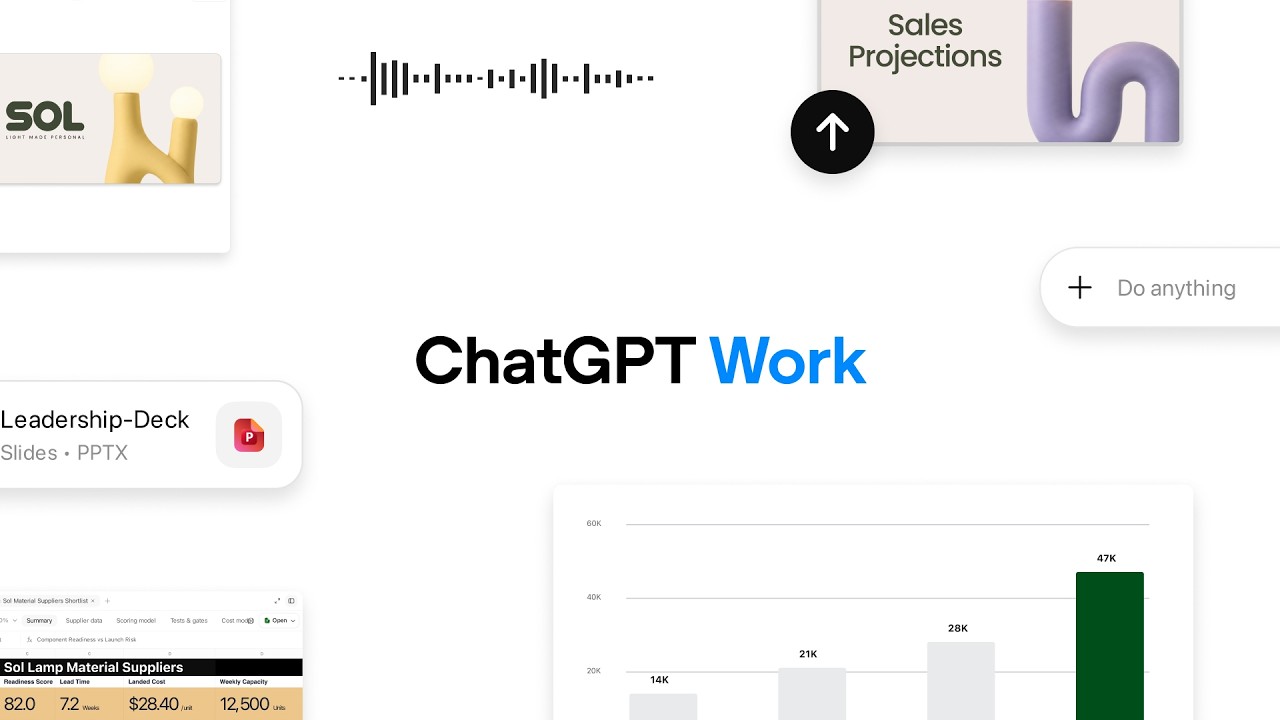
OpenAI shipped GPT-Live, the real-time audio model powering the new ChatGPT Voice. The challenge of this launch was visualizing an inherently invisible product—low-latency, conversational AI.
Rather than relying on abstract waveforms or talking heads, the film leans entirely on the rhythm of the interaction itself. It translates the fluidity of human-to-machine conversation into a stark, typographic motion piece.
How the motion works
Visualizing an audio-first experience requires the motion design to carry the narrative weight. OpenAI maintains its signature stark minimalism, using kinetic typography to translate spoken cadence into visual rhythm. The text scales, shifts in weight, and tracks across the screen in direct sync with the AI's intonation, giving the voice a physical, dynamic presence.
The pacing is dictated entirely by dialogue. The edit leverages cutting-on-the-beat, but instead of a musical backbeat, the cuts are driven by conversational pauses, human interruptions, and digital breaths. Hard cuts between UI states and typographic layouts emphasize the zero-latency response time of GPT-Live. The lack of transitional easing or crossfades proves the product's speed better than any voiceover could.
When the actual app interface appears, the motion strips away extraneous OS elements to focus tightly on the pulsating voice indicator. Strategic hold times allow the viewer to absorb the natural flow of the conversation before the frame shifts to a new scenario. This restraint in camera movement and transition design reinforces the technical confidence of the underlying model.
What to steal from it
- Let the audio cadence drive the edit when demonstrating a voice-first product.
- Use kinetic typography to give invisible features a physical, rhythmic presence on screen.
- Prove software speed through hard cuts rather than relying on accelerated UI footage.
- Strip away non-essential interface elements to focus entirely on the active interaction state.
Want a video like this for your product?
Impractical cuts one from a single prompt — the same motion craft, in about twenty minutes.