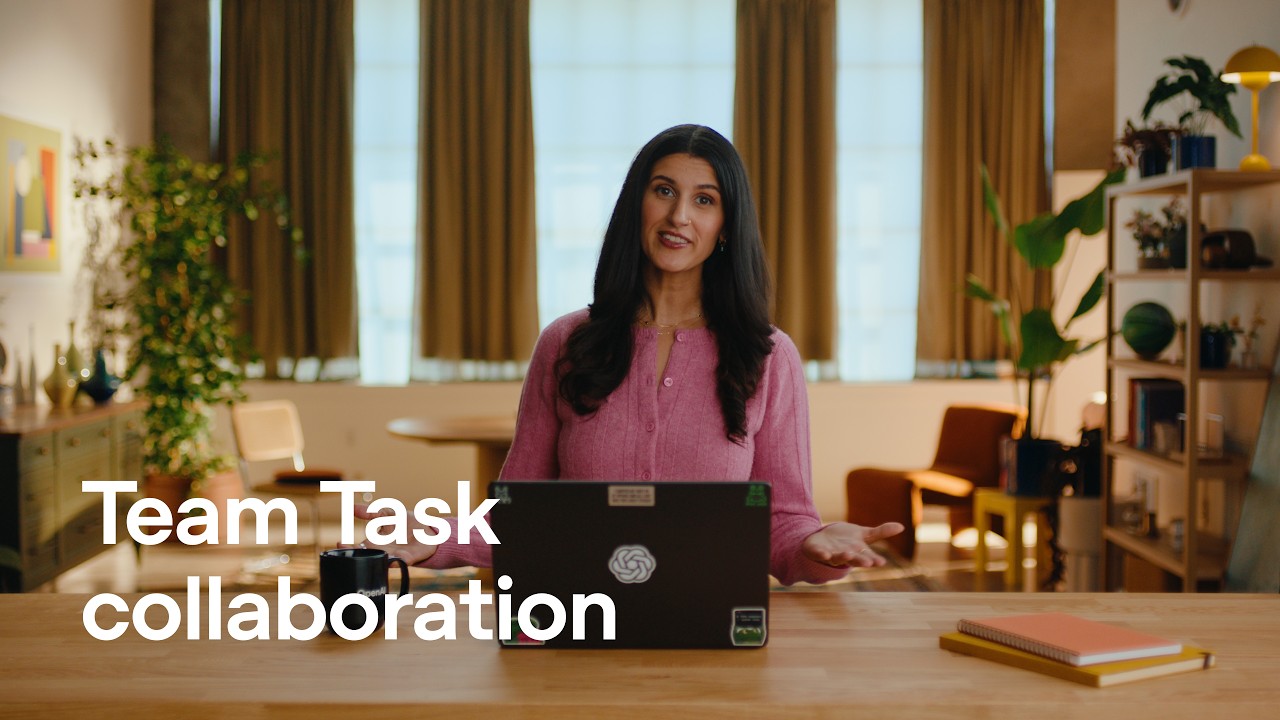
What OpenAI shipped
OpenAI expands its conversational capabilities with the new ChatGPT Voice, an audio-first feature powered by GPT Live. This release emphasizes a shift toward more natural, real-time auditory interactions within the broader generative AI ecosystem.
By focusing the announcement heavily on sound, the release highlights the growing importance of latency, tone, and conversational fluidity in consumer AI products. It challenges the standard text-first paradigm of large language models.
How the motion works
When introducing a voice-centric feature, the audio track must dictate the visual edit. Designers tackling similar audio-first products might try cutting-on-the-beat to synchronize visual transitions with the natural cadence of the spoken interaction. This anchors the viewer's attention on the dialogue rather than distracting them with unrelated visual motion.
To visually represent spoken words without overwhelming the frame, kinetic-typography can be deployed to mirror the inflection and volume of the AI's voice. Scaling text dynamically or adjusting font weights in real-time gives a tangible, visual presence to an otherwise invisible product capability.
Conversational interfaces require breathing room in a demo. Allowing adequate hold-time on screen after a prompt is spoken lets the audience process the interaction. Rushing the visual cuts during a voice demonstration undermines the perceived naturalness of the system's response time.
For products lacking a traditional graphical interface, motion design carries the burden of context. Abstract waveforms or subtle reactive UI elements can indicate listening, processing, and speaking states, ensuring the viewer always understands the system's current mode without needing an explicit voiceover.
What to steal from it
- Let the audio track dictate the pacing of the visual edit when demonstrating voice features.
- Use kinetic typography to give invisible audio interactions a physical presence on screen.
- Build deliberate hold-time into the edit to let conversational pauses feel natural.
- Design distinct visual states for listening, processing, and speaking to ground the user experience.
Want a video like this for your product?
Impractical cuts one from a single prompt — the same motion craft, in about twenty minutes.