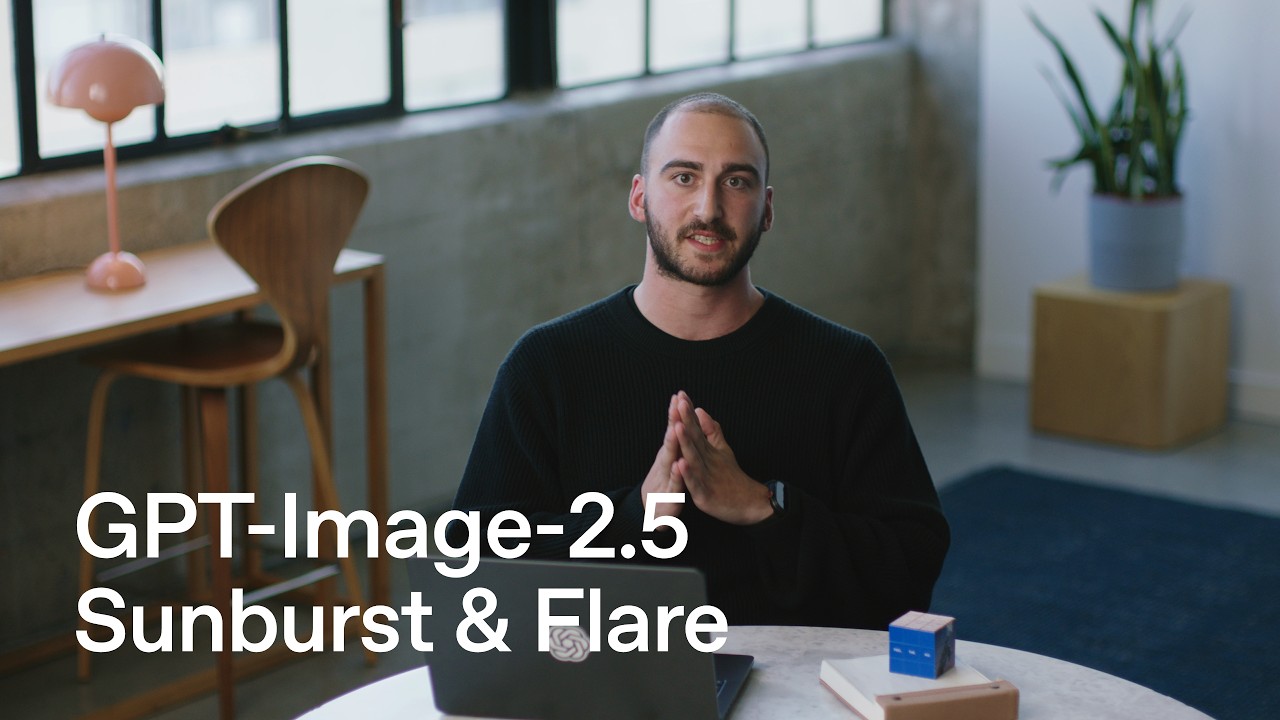
What OpenAI shipped
OpenAI’s launch of GPT-6 Astra marks a shift from conversational agents to autonomous desktop operators. By introducing a model capable of executing long-running computer-use tasks across professions, the company moves AI directly into the application layer.
At 163 seconds, the film has to balance the abstract nature of neural network alignment with the highly concrete reality of cursor movements and software engineering workflows. It achieves this by grounding complex claims in familiar UI paradigms.
How the motion works
The film opens by establishing context through a slow camera-drift over a minimalist representation of a desktop environment. Instead of relying on the abstract glowing nodes typical of early AI marketing, the motion focuses on recognizable UI elements. The camera moves deliberately, using a subtle punch-in to draw attention to the prompt interface, signaling that the primary interaction paradigm remains grounded in text despite the model's expanded capabilities.
Typography plays a structural role in bridging the gap between human intent and machine action. The typewriter technique is employed not just as a stylistic nod to coding, but as a precise pacing mechanism. As the prompt generates, the text reveals at a measured rate, providing adequate hold-time for the viewer to read the complex software engineering tasks being assigned to Astra before the visual cuts to the execution phase.
To demonstrate the model's cross-application fluidity, the edit relies heavily on the match-cut. As Astra moves from a code editor to a terminal, and then to a web browser, the focal point—often the cursor or a specific line of code—remains anchored in the center of the frame. This spatial continuity ensures the viewer doesn't lose their orientation during rapid context switches, making the autonomous actions feel orchestrated rather than chaotic.
The visual treatment of the model's alignment and honesty improvements is handled through stark, high-contrast layouts. When highlighting reductions in deceptive behavior, the motion strips away background elements, transitioning into a purely typographic sequence. The easing here is linear and unapologetic, reinforcing a tone of transparency and precision without relying on superfluous 3D assets.
What to steal from it
- Anchor abstract AI capabilities in recognizable, everyday user interfaces to make the technology feel accessible and real.
- Use spatial continuity and match cuts when demonstrating cross-application workflows to prevent viewer disorientation.
- Employ text reveal techniques strategically to control reading pace and ensure comprehension of complex user prompts.
- Strip away extraneous visual elements when communicating crucial trust, safety, and alignment metrics.
Want a video like this for your product?
Impractical cuts one from a single prompt — the same motion craft, in about twenty minutes.