The review basis for these notes has not been recorded. Check visual details against the linked source video.
About this announcement
Plaid introduced Instant Link and LendScore 2, bringing faster cash flow underwriting and upgraded credit risk models to the lending lifecycle. Instant Link delivers cash flow insights in under two seconds for eligible users without requiring bank reconnection.
LendScore 2 represents the next generation of their credit risk scores. The update introduces specialized models optimized for specific loan types and LendScore Arc, the company's first transformer-based credit risk model.
Video notes
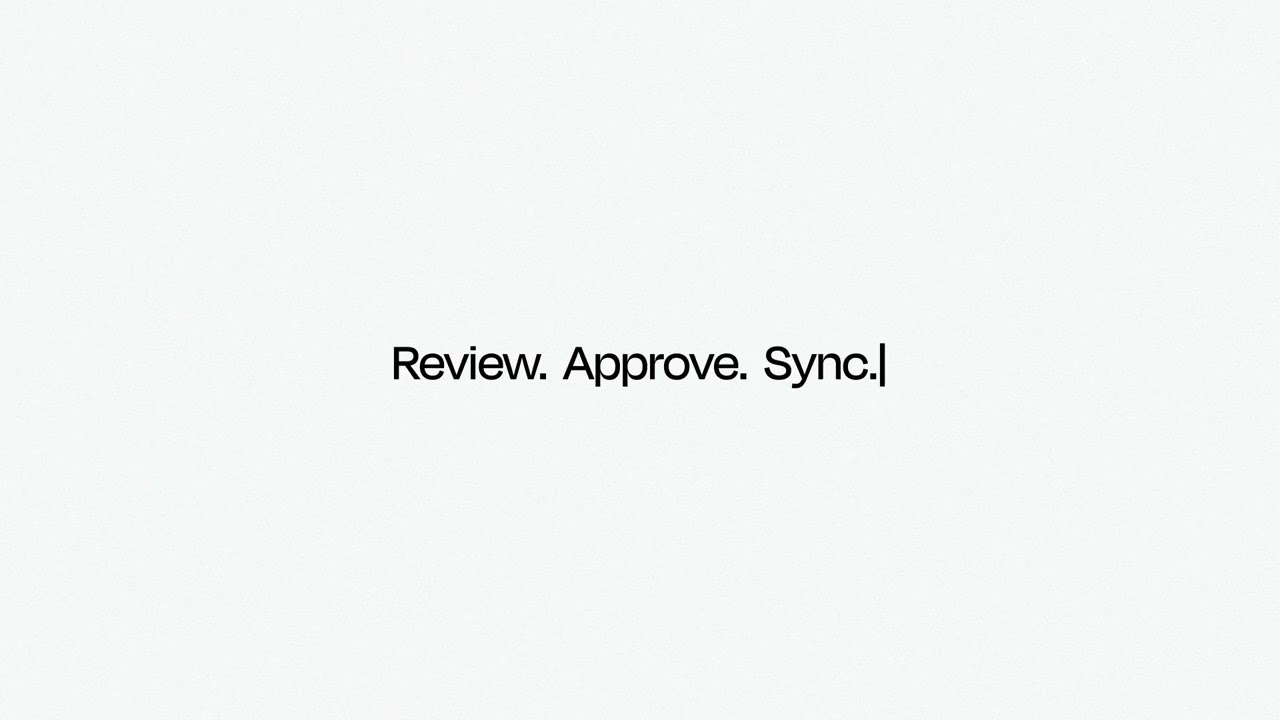
For a dual-feature announcement dealing with backend financial infrastructure, motion designers should rely heavily on kinetic typography to anchor abstract concepts. When introducing sub-two-second retrieval times for Instant Link, animating text with a sharp punch-in can physically demonstrate the speed of the data transfer without needing literal UI screens.
Transitioning between Instant Link and LendScore 2 requires a clear structural pivot. A match-cut moving from a data-flow visualization directly into the structural nodes of LendScore 2's transformer-based model creates a seamless conceptual bridge. This keeps the viewer grounded in the same visual universe while signaling a shift from data retrieval to data analysis.
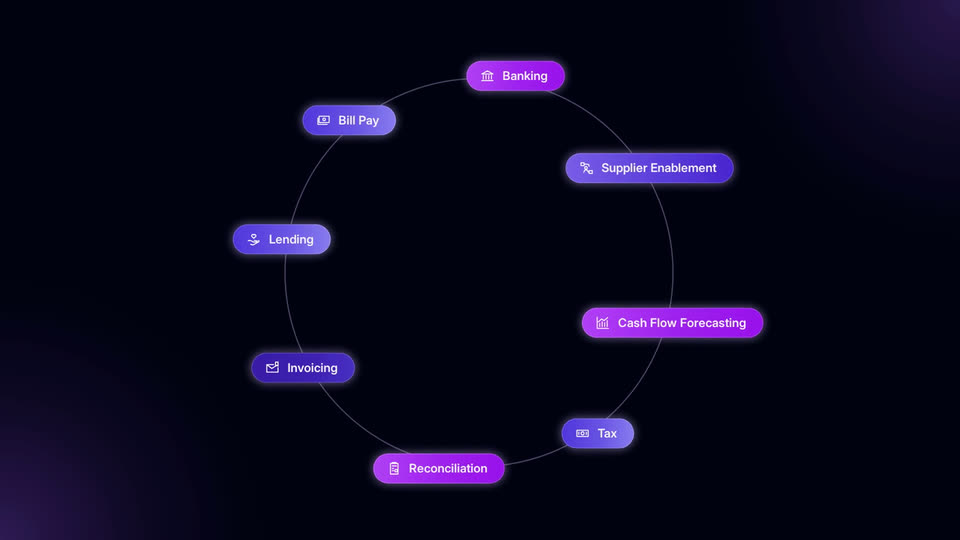
To explain the specialized models within LendScore 2, pacing becomes critical. Designers can use a stagger effect to introduce the different loan types sequentially. Easing these elements in with a slight overshoot adds a layer of polish, ensuring the technical weight of a transformer-based credit risk model feels approachable and precisely engineered.
Design takeaways
- Use kinetic typography to visualize abstract backend speed when UI screens are too static.
- Bridge distinct product features using a match-cut on a shared geometric element to maintain visual continuity.
- Stagger the entrance of list items with a slight overshoot to give technical specifications a tangible, engineered feel.
- Anchor transformer-model concepts in simple, node-based animations rather than complex code blocks.
Plan your own product video
Start with a product video script, then use the demo guide to work out what you need to show.
Want a video like this for your product?
Use your coding agent to create a video draft, edit its source, and request an MP4 export with Impractical.