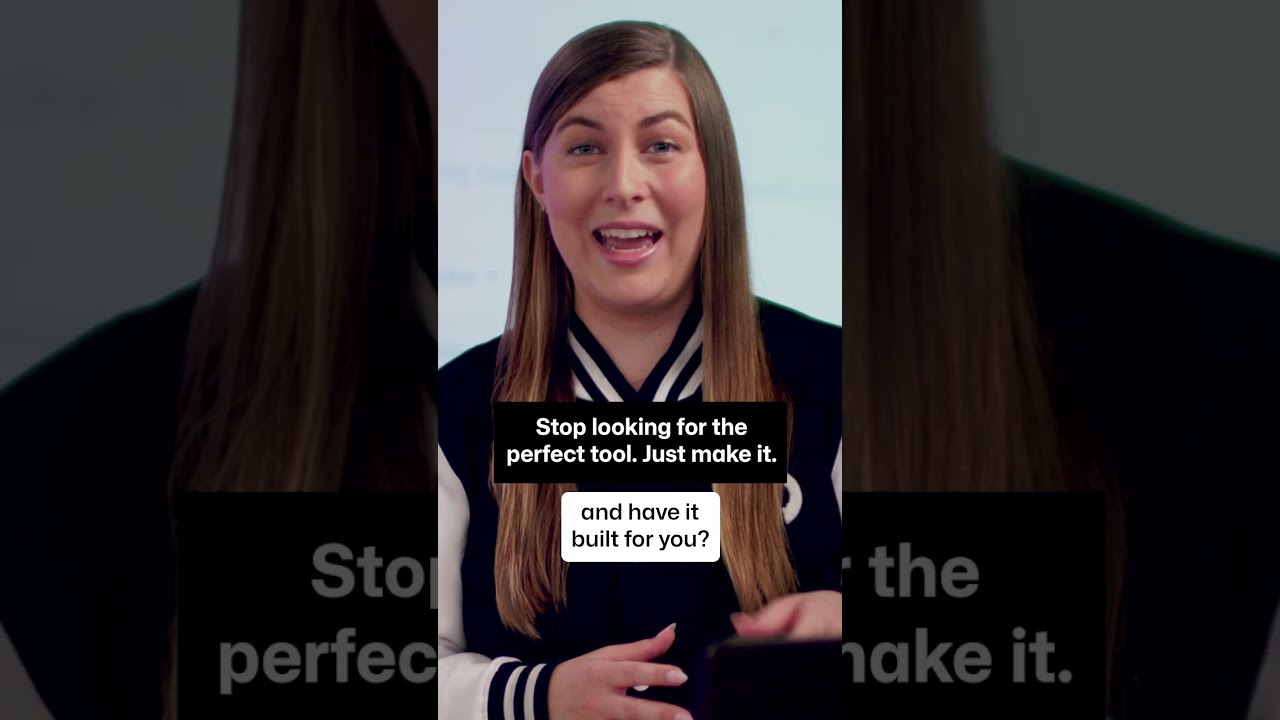
The review basis for these notes has not been recorded. Check visual details against the linked source video.
About this announcement
Postman introduced a new plugin for Codex, allowing developers to build AI agents while handling the underlying APIs without leaving their workflow. The integration connects agent logic directly to external data access.
By bringing API discovery, OpenAPI spec creation, and test coverage straight into Codex, the feature targets the friction of context-switching when wiring AI agents to real-world services.
Video notes
When demonstrating a plugin operating inside another complex interface like Codex, visual clarity is the primary challenge. A motion designer could use a tight punch-in to immediately isolate the Postman plugin panel. By cropping out the surrounding IDE noise, the viewer's eye is forced onto the specific API discovery and management actions being discussed.
To maintain momentum during a three-minute technical demo, hard-cut transitions work best between distinct workflow stages. Instead of smoothly panning across the interface from the OpenAPI spec creation to the testing phase, cutting directly on the action keeps the pacing sharp and prevents the viewer from getting lost in the spatial geography of the application.
Managing hold-time is critical when showing code generation or API mock creation. The animation needs to pause long enough for a developer to read the generated schema or test coverage, but not so long that the video drags. Easing into these holds with a subtle deceleration gives the viewer a visual cue that important technical information is on screen and meant to be read.
Design takeaways
- Isolate new UI elements immediately using scale and crop to prevent viewer overwhelm in complex interfaces.
- Use hard cuts between workflow stages rather than spatial pans to keep technical demos moving quickly.
- Calibrate hold times on code blocks to match the average reading speed of your technical audience.
- Let the application interface drive the motion narrative rather than relying on external graphical wrappers.
Plan your own product video
Start with a product video script, then use the demo guide to work out what you need to show.
Want a video like this for your product?
Use your coding agent to create a video draft, edit its source, and request an MP4 export with Impractical.