What Replit shipped
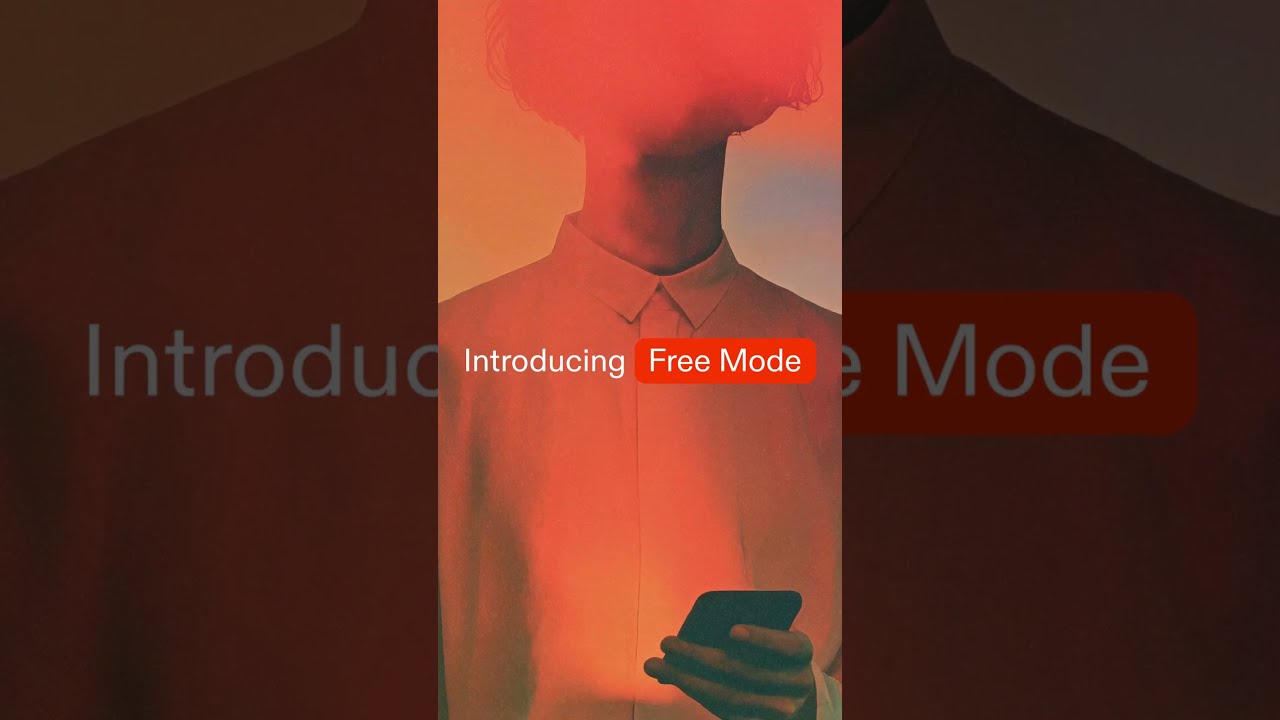
Replit shipped an overhauled Free Mode powered by OpenAI's GPT-5.6 Luna, bringing advanced generative capabilities to their baseline tier. Paired with a redesigned UI, the release focuses on lowering the barrier to entry for developers while maximizing output speed.
The sixty-second spot reflects the velocity of the product itself. It relies on sharp UI captures and tight typographic motion to communicate a dense technical update without overwhelming the viewer.
How the motion works
The film opens with kinetic-typography that establishes a rapid, rhythmic cadence. Text scales and tracks in sync with a driving beat, using hard-cuts to transition between high-level value propositions before diving into the interface. This sets an expectation of speed, mirroring the promise of the new GPT-5.6 Luna integration.
Once inside the product, the motion relies on decisive punch-ins to direct the eye. Rather than smoothly panning across the entire IDE, the camera snaps to the relevant panels—the prompt input, the code generation, the preview window. This eliminates dead space in the frame and keeps the focus strictly on the new UI components.
Match-cuts are used effectively to bridge different project states. By keeping the core IDE layout static while swapping the contents of the code and preview panels, the edit demonstrates the versatility of Free Mode across different tech stacks. The easing curves on these transitions are steep—fast acceleration with a sudden, precise deceleration—reinforcing the feeling of a highly responsive tool.
What to steal from it
- Use hard cuts and steep easing curves to convey software speed and responsiveness.
- Snap the camera directly to key UI components instead of drifting across the entire interface.
- Anchor complex product transitions with match-cuts on static UI frames to maintain spatial context.
- Sync typographic scaling and tracking to the audio track to establish pacing before showing the product.
Want a video like this for your product?
Impractical cuts one from a single prompt — the same motion craft, in about twenty minutes.