What Replit shipped
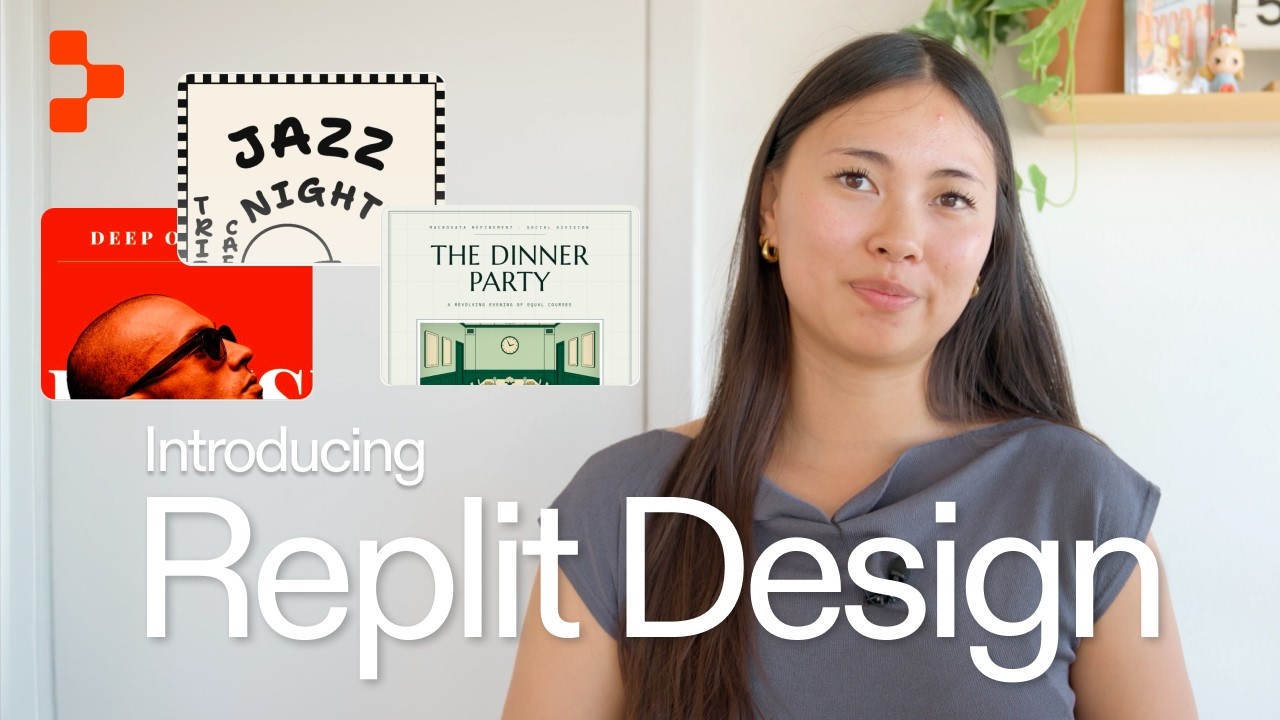
Replit just introduced Free mode, a zero-cost tier designed to remove usage anxiety for standard coding tasks, alongside a significantly faster, unified UI.
The release shifts how developers interact with the platform, consolidating planning and building into a single workspace. By framing the announcement around actual workspace utility, the film grounds a pricing update in tangible product value.
How the motion works
Replit’s motion language for this release relies on clean, direct UI captures elevated by a continuous, subtle camera-drift. Instead of abstracting the interface into floating glass panels or 3D environments, the film anchors itself in the actual product. The camera executes a deliberate punch-in on specific workspace modules, guiding the eye exactly to where the new Free mode toggles and usage indicators live.
The edit's pacing is driven by sharp hard-cuts that mirror the speed of the newly optimized interface. When demonstrating the seamless flow between asking, planning, and building, the cuts are decisive and fast. This structural choice isn't just an aesthetic preference; it actively reinforces the product's primary value proposition of a drastically accelerated UI.
Kinetic-typography is deployed sparingly to emphasize the new tier's boundaries. Large text elements punch-in to highlight the absence of usage costs before snapping back to the raw interface. The easing on these typographic moments uses a steep curve—snappy acceleration with a short tail—ensuring the graphics never overstay their welcome in a dense 111-second runtime.
What to steal from it
- Match your editing pace to your product's performance claims; fast software demands sharp cuts.
- Use continuous camera drift to keep static UI modules feeling active without obscuring the actual interface.
- Anchor pricing and tier announcements in concrete UI interactions rather than abstract motion graphics.
- Deploy kinetic typography sparingly to emphasize constraints, using tight easing to maintain momentum.
Want a video like this for your product?
Impractical cuts one from a single prompt — the same motion craft, in about twenty minutes.