What Retool shipped
Retool's latest feature showcase highlights ten new capabilities for their platform, emphasizing developer control and AI integration. The three-minute tour covers everything from prompt-driven app building to full React code access, parallel branches, and default governance.
Condensing ten distinct technical updates into a single video requires strict narrative discipline. By structuring the release as a numbered list, the presentation balances high-level momentum with the granular technical details required by a developer audience.
How the motion works
When structuring a rapid-fire list of ten features, pacing is critical. A motion designer might rely on a hard-cut to transition between chapters, keeping the momentum high without relying on excessive easing or transition graphics that could fatigue the viewer over three minutes.
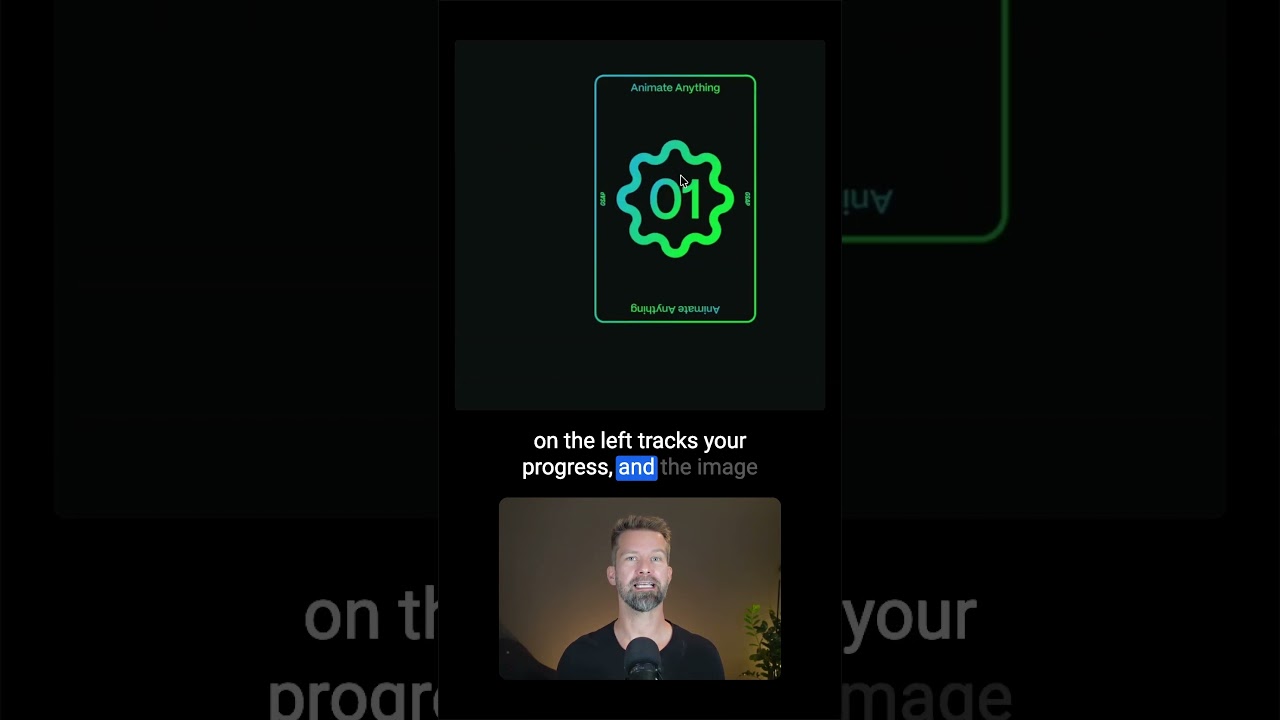
To anchor the viewer during a multi-feature showcase, kinetic-typography can be used to introduce each numbered chapter. Tracking large, bold numerals into the frame before snapping to the UI footage establishes a clear rhythm and prevents the audience from losing their place in the sequence.
For complex developer tools like React code access or CLI interfaces, maintaining focus is essential. A quick punch-in on the specific lines of code or terminal commands, rather than showing the entire IDE interface, ensures the technical details read clearly even on smaller screens.
Grouping related features, like moving from the CLI to an NPM package import, benefits from spatial continuity. A match-cut between similar UI panels or terminal windows can bridge distinct features, making the ten discrete updates feel like a single, cohesive developer workflow.
What to steal from it
- Anchor list-style videos with bold, rhythmic chapter markers to maintain viewer orientation.
- Use hard cuts for rapid feature tours to prioritize pacing over elaborate transitions.
- Punch in aggressively on terminal commands and code snippets to ensure legibility.
- Group related features visually using match cuts across similar UI layouts.
Want a video like this for your product?
Impractical cuts one from a single prompt — the same motion craft, in about twenty minutes.