What The Browser Company shipped
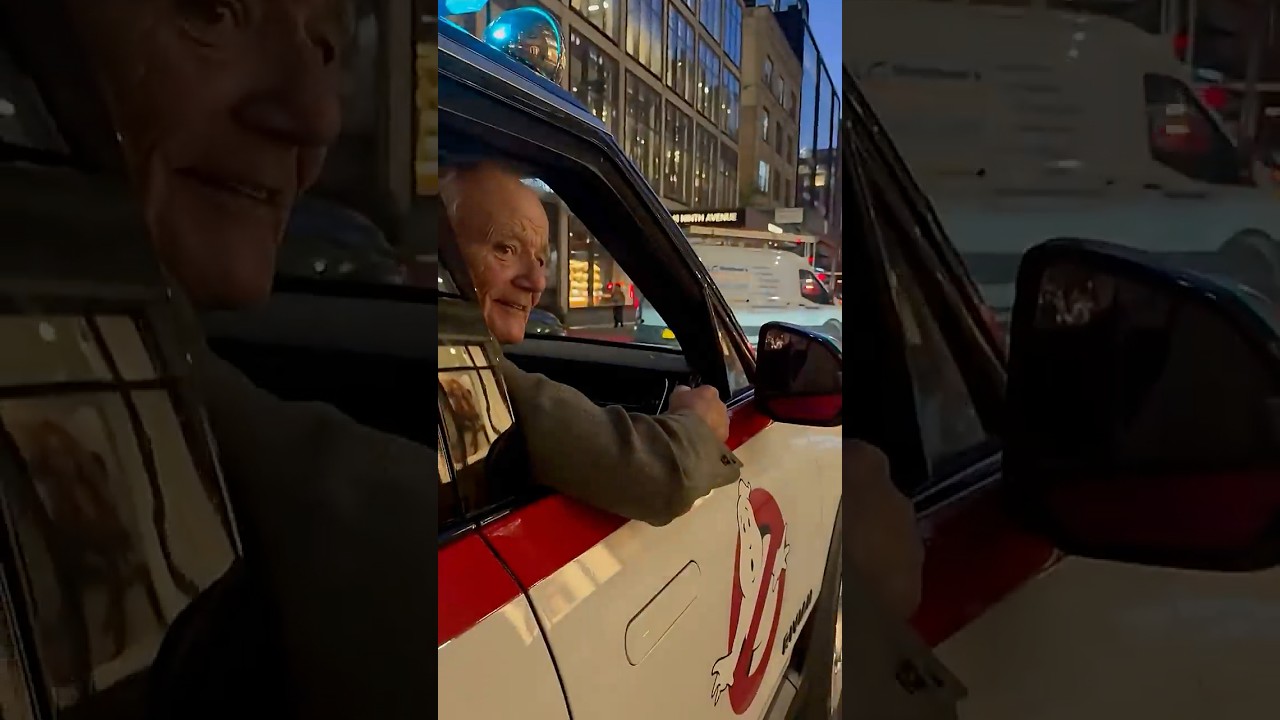
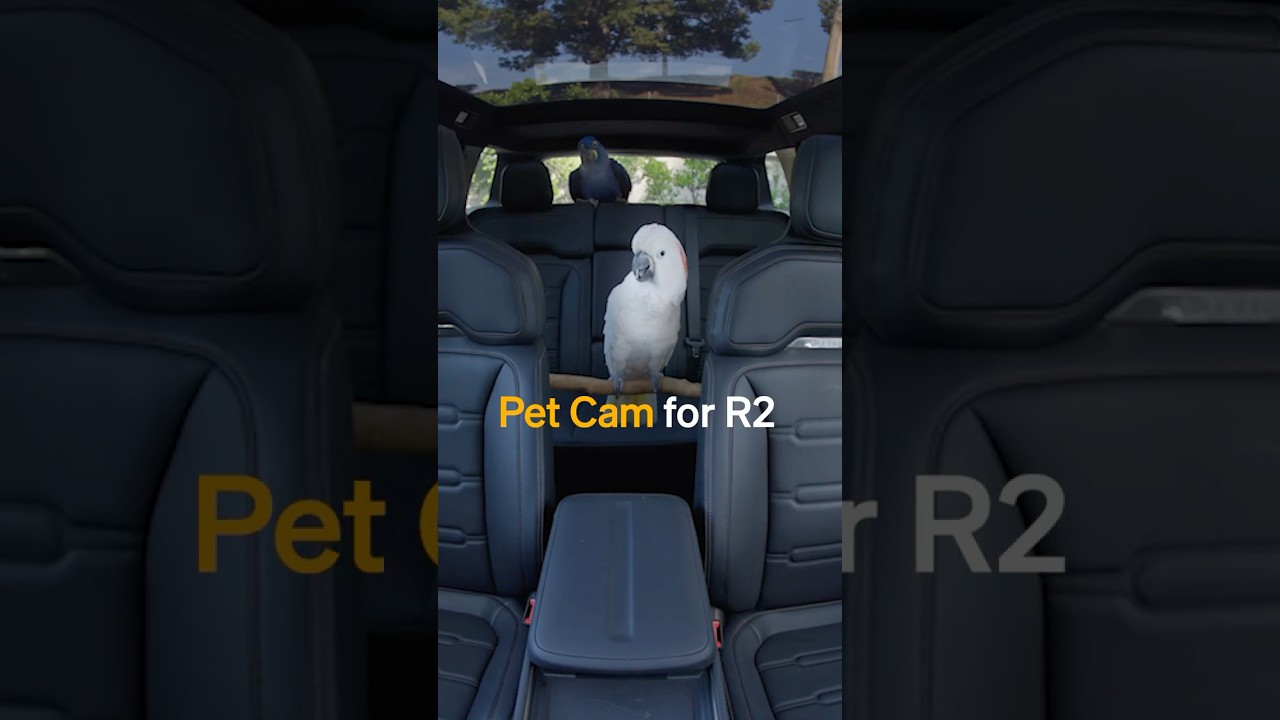
The Browser Company released Dia for Windows, expanding their browser ecosystem to a new operating system. Framed around the development team's favorite features, the release focuses on bringing the core Dia experience to a native Windows environment.
By highlighting four specific elements loved by the builders themselves, the announcement shifts the tone from a standard software release to an intimate, craft-focused showcase.
How the motion works
When structuring a list-based announcement film, a motion designer might rely on a hard-cut to transition between each of the four highlighted features. Snappy, un-eased cuts keep the pacing rigid and prevent the viewer from losing their place in the narrative structure.
To emphasize the native Windows UI details, a punch-in is an effective tool. Instantly scaling up on a specific toolbar or window interaction, without a slow zoom, forces the viewer's eye exactly where the product team wants it. This technique works particularly well when demonstrating subtle browser interactions that might otherwise get lost on a busy desktop screen.
Introducing each of the four segments offers an opportunity to use kinetic-typography. Instead of static title cards, animating the text to reflect the speed or function of the feature being discussed can bridge the gap between live-action team interviews and on-screen product captures.
What to steal from it
- Structure feature announcements around a numbered list to create predictable, engaging pacing.
- Use hard cuts between talking heads and screen captures to maintain momentum.
- Magnify subtle UI details instantly with a punch-in rather than a slow, distracting zoom.
- Frame product capabilities through the lens of the engineers who built them to establish credibility.
Want a video like this for your product?
Impractical cuts one from a single prompt — the same motion craft, in about twenty minutes.