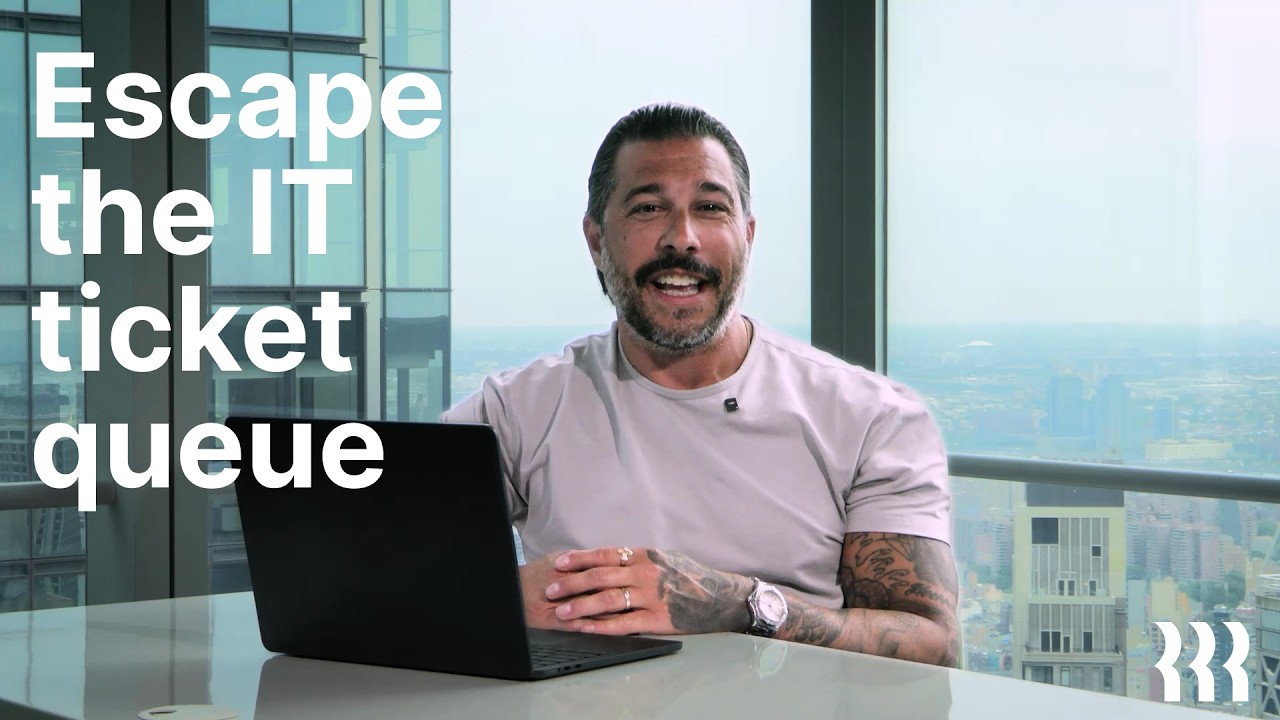
The review basis for these notes has not been recorded. Check visual details against the linked source video.
About this announcement
Asana built a dedicated environment for agencies. Asana Client Management introduces a branded, two-way portal designed to give clients a curated view of progress, deliverables, and feedback without exposing internal team chatter.
Beyond the portal, the release integrates AI teammates to draft status updates, coordinate handoffs, and flag budget risks. It centralizes account health, capacity planning, and renewal tracking for agency leaders, pulling client-facing deliverables and internal operations into a single view.
Video notes
When introducing a two-sided platform like Asana Client Management, motion can clarify the boundary between internal and external views. A designer might use a punch-in to transition from the agency's complex project timeline directly into the clean, curated client portal. This spatial shift reinforces the product's value proposition: complexity on the inside, clarity on the outside.
To demonstrate the AI teammates drafting status updates or flagging budget risks, kinetic-typography serves as an effective tool. Animating the AI-generated text onto the screen, paired with a deliberate hold-time before the user accepts the suggestion, allows the viewer to read the output and understand the utility of the feature without relying on heavy voiceover.
Showing cross-business metrics—account health, team capacity, and budgets—often requires navigating dense dashboards. A match-cut moving from one data visualization to another keeps the pacing brisk. By keeping the focal point centered while the UI changes around it, the animation maintains momentum while proving the breadth of the new management tools.
Design takeaways
- Use spatial transitions to differentiate between internal workspaces and external client portals.
- Animate AI-generated text with deliberate pacing so viewers can read the output before the UI advances.
- Align focal points across dense dashboard shots to execute seamless match cuts.
- Keep the camera moving through complex data visualizations to maintain momentum without overwhelming the viewer.
Plan your own product video
Start with a product video script, then use the demo guide to work out what you need to show.
Want a video like this for your product?
Use your coding agent to create a video draft, edit its source, and request an MP4 export with Impractical.