What CodeSandbox shipped
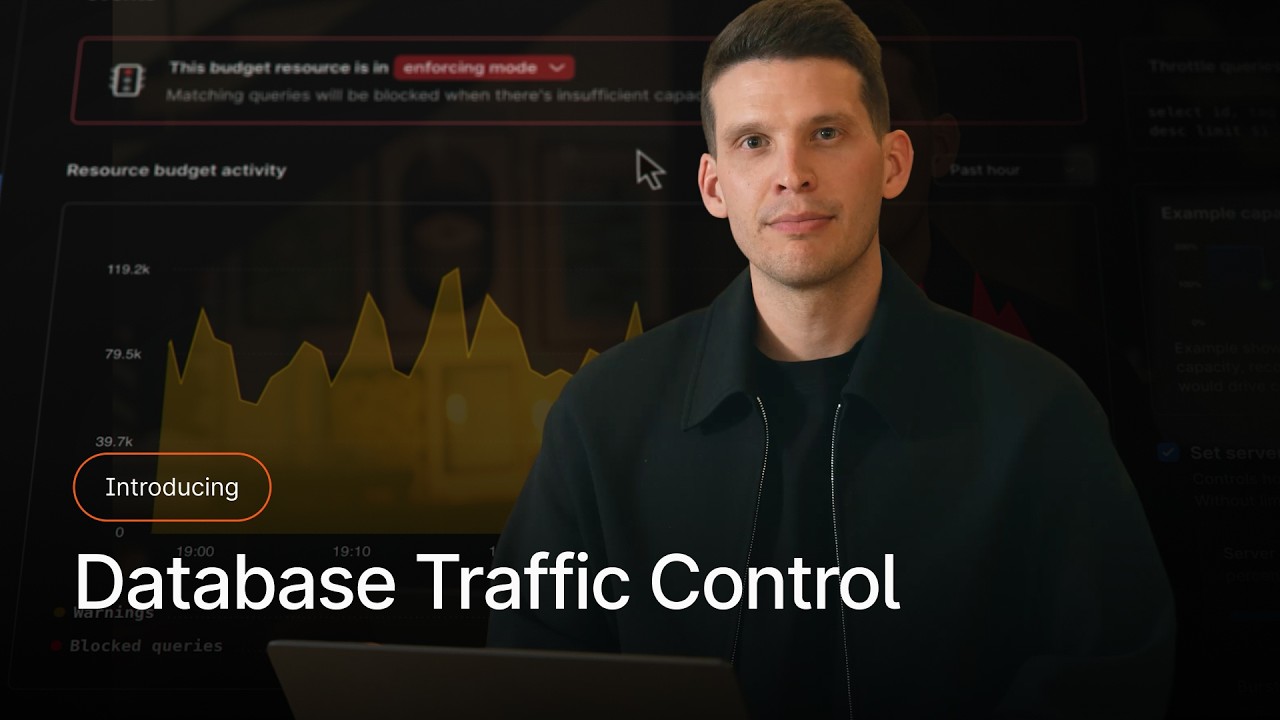
CodeSandbox evolved from a browser-based prototyping tool into a full-scale Cloud Development Environment (CDE). This launch film introduces VM-backed branches, emphasizing speed, continuous collaboration, and instant provisioning.
The challenge here is visual: how to make backend infrastructure feel immediate and tangible. The resulting film leans on sharp pacing and focused UI abstraction to translate cloud compute into a seamless developer experience.
How the motion works
The edit relies heavily on hard cuts synchronized to a driving, percussive track. This isn't just an aesthetic choice; it reinforces the product's core promise of speed. When the value proposition is resuming a workflow in two seconds, the pacing must feel equally instantaneous, stripping out crossfades or languid easing in favor of immediate reveals.
UI elements are handled with precision. Rather than showing the entire IDE at once and hoping the viewer spots the relevant feature, the camera uses aggressive punch-ins. It snaps directly to terminal outputs, branch names, and VM status indicators. This directs the eye to the exact technical proof points required by a developer audience.
To bridge the conceptual gap between cloud infrastructure and local-feeling code, the film employs smooth zoom-through transitions. Moving from high-level architectural diagrams directly into the code editor visually connects the raw power of the VM to the daily workflow of the developer, making the abstract cloud feel concrete.
Kinetic typography does the heavy lifting for key metrics. Bold, high-contrast text scales in to highlight features like continuous collaboration and usage-based billing. By isolating these phrases from the UI, the film ensures the business-level takeaways land just as effectively as the technical details.
What to steal from it
- Match your pacing to your product's core value; use hard cuts to communicate speed and immediacy.
- Use aggressive punch-ins to force the viewer's eye to specific terminal commands or UI states.
- Bridge abstract infrastructure and concrete workflows with seamless zoom-through transitions.
- Isolate key metrics with stark kinetic typography rather than burying them in interface mockups.
Want a video like this for your product?
Impractical cuts one from a single prompt — the same motion craft, in about twenty minutes.