What Figma shipped
Figma expands the capabilities of the Figma agent, allowing users to generate and edit vector illustrations directly within the canvas. The update introduces style references for consistent icon creation, semantic layer grouping, and stroke-based line work for easier weight adjustments.
By outputting structured, editable layers rather than flat images, the agent integrates into existing design workflows. The focus shifts from raw generation to practical iteration, giving designers immediate control over the generated assets.
How the motion works
When demonstrating an AI agent interacting with a complex canvas, a deliberate punch-in helps direct the viewer's eye. Designers can use sharp, eased scaling to isolate the specific prompt input or the resulting vector generation, cutting out the noise of the surrounding toolbars.
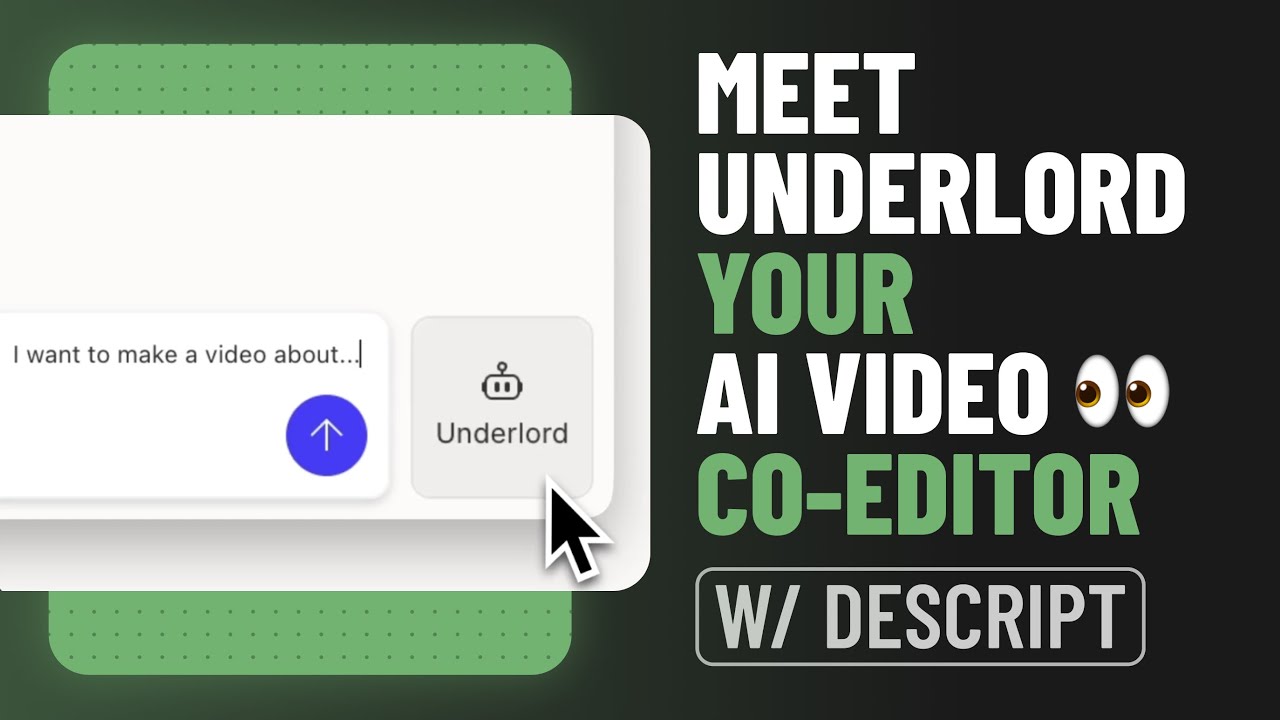
Revealing AI prompts often benefits from a typewriter effect. Mimicking the keystrokes grounds the generative process in a familiar user action. Pacing this text reveal to match the rhythm of the voiceover ensures the audience reads the prompt exactly as the concept is introduced.
To highlight the new semantic layer grouping, motion designers might employ a stagger technique. Animating the expansion of the layer tree sequentially draws attention to the organized structure of the generated vectors. This emphasizes the utility of the feature—clean, editable files—rather than just the visual output.
Demonstrating stroke adjustments requires adequate hold-time. After the agent modifies a stroke weight or end cap, pausing the animation allows the viewer to register the before-and-after state. Rushing this transition obscures the precise control the feature offers.
What to steal from it
- Use a punch-in to isolate specific UI interactions when demonstrating complex software.
- Animate text inputs with a typewriter effect to ground AI generation in familiar user behavior.
- Stagger the reveal of UI elements like layer trees to emphasize structural organization.
- Build in sufficient hold-time after a UI change so viewers can process the result.
Want a video like this for your product?
Impractical cuts one from a single prompt — the same motion craft, in about twenty minutes.