What GitHub shipped
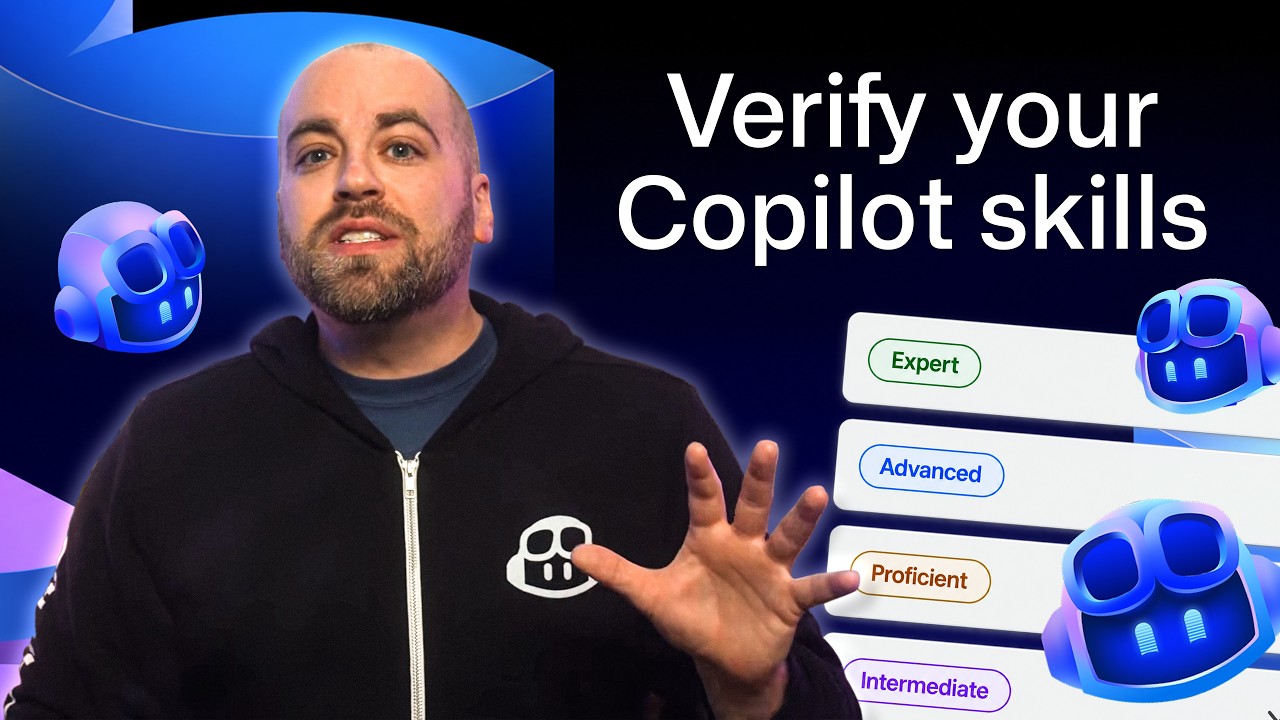
GitHub introduced a new way to use GitHub Copilot inside JetBrains IDEs through JetBrains Air. This integration allows developers to connect their existing Copilot accounts to execute coding and testing tasks locally using project context, or in isolated cloud environments via Air Teams.
While the native plugin retains enterprise capabilities, this release provides flexible execution options tailored to specific developer setups. It addresses the need for tighter local context and secure, isolated cloud workflows within the JetBrains ecosystem.
How the motion works
When demonstrating an IDE integration like GitHub Copilot working within JetBrains Air, motion designers should prioritize clarity over flash. A hard-cut between the standard Copilot plugin interface and the new JetBrains Air setup establishes the distinction immediately. Keeping the camera locked on the code editor allows the viewer to read the syntax without distraction.
To illustrate AI code generation, the typewriter effect remains the most direct visual translation of the product's core value. Designers can adjust the easing of the text reveal to mimic natural token generation—slightly variable, rather than perfectly linear—to make the simulation feel authentic to the developer experience.
Showing local versus cloud execution environments often requires shifting the viewer's focus across a dense IDE interface. Using a subtle punch-in on the configuration menus or the Air Teams toggle helps guide the eye. By maintaining a slow, deliberate hold time on these settings, the audience can absorb the specific configuration steps required to streamline their development loop.
What to steal from it
- Use hard cuts to clearly separate different workflow environments in dense UI.
- Modulate typewriter effects to simulate realistic AI token generation speeds.
- Guide the viewer's eye through complex IDEs with deliberate punch-ins on key configuration toggles.
- Hold on critical setup steps long enough for technical audiences to read the actual interface text.
Want a video like this for your product?
Impractical cuts one from a single prompt — the same motion craft, in about twenty minutes.