What GitHub shipped
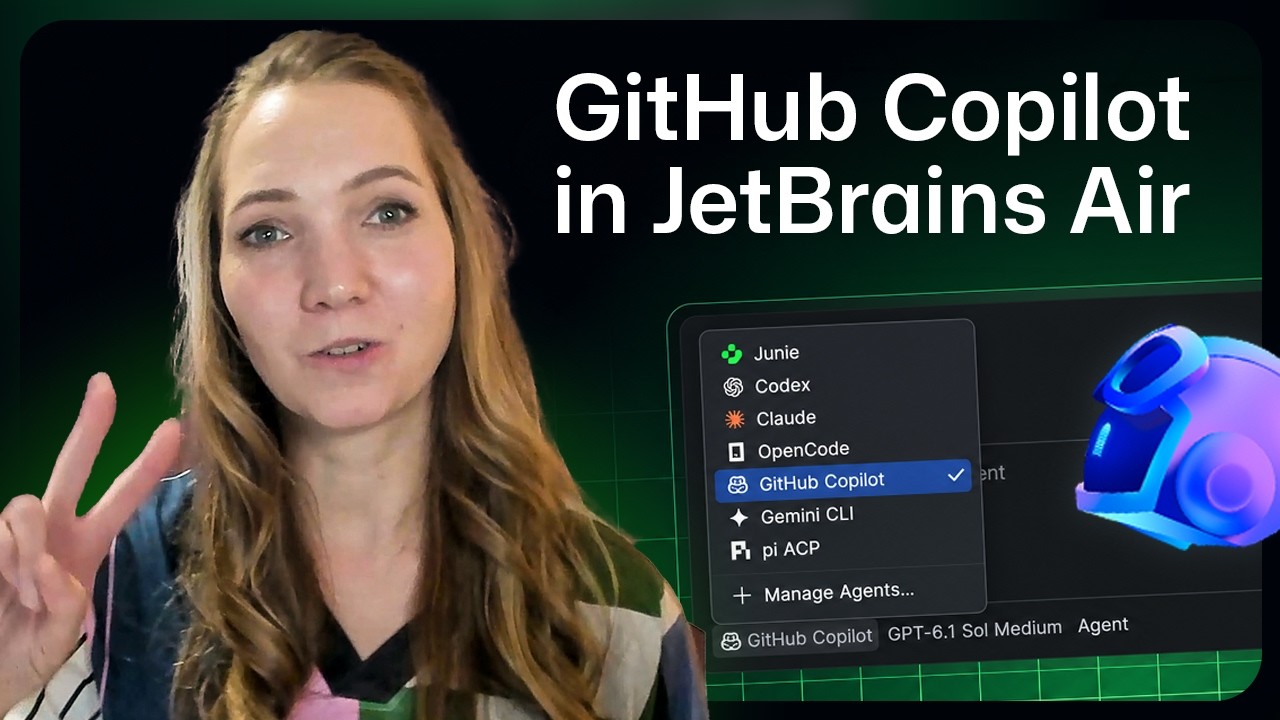
GitHub introduced Copilot verified proficiency, a new feature that evaluates developers based on their everyday usage of the AI assistant.
Instead of requiring traditional multiple-choice exams, the system analyzes real product signals to calculate proficiency across five distinct tiers. Qualifying developers can then claim a Microsoft Pro Badge on Credly and showcase their capability directly on LinkedIn.
How the motion works
When introducing a passive tracking feature like this, motion can help visualize the invisible work happening in the background. A designer might use subtle kinetic-typography to represent the code and usage signals being parsed, allowing the text to flow behind the primary UI to establish a sense of continuous evaluation.
To introduce the five distinct proficiency tiers, a stagger animation offers a clean way to build hierarchy. Bringing each tier onto the screen sequentially, rather than all at once, gives the viewer time to process the progression and adds weight to the higher levels.
Emphasizing the frictionless nature of the certification—specifically the lack of a separate exam—calls for seamless transitions. A match-cut could effectively bridge the gap between the developer's IDE and the Credly badge claim screen, visually reinforcing that the daily workflow leads directly to the reward.
For a longer feature walkthrough, maintaining visual momentum is critical. Strategic punch-ins on the specific UI elements where users opt-in or view their status can prevent the layout from feeling static, directing the viewer's eye exactly where the narration wants it.
What to steal from it
- Use staggered animations to give weight and hierarchy to tiered reward systems.
- Employ match cuts to emphasize seamless transitions between distinct platforms.
- Leverage punch-ins during longer UI walkthroughs to direct viewer attention to critical data points.
- Represent background data processing with subtle kinetic typography to keep static screens feeling active.
Want a video like this for your product?
Impractical cuts one from a single prompt — the same motion craft, in about twenty minutes.