The review basis for these notes has not been recorded. Check visual details against the linked source video.
About this announcement
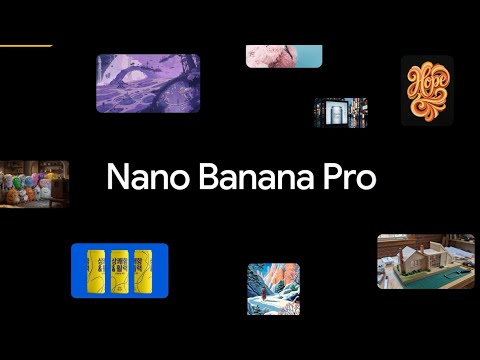
Google DeepMind introduced Gemini 3, advancing their flagship multimodal model with upgraded reasoning, image generation via Nano Banana Pro, and agentic coding through Google Antigravity.
At 74 seconds, the launch film is an exercise in density. It compresses a broad spectrum of complex technical capabilities into a rapid, digestible format, relying heavily on motion design to structure the information hierarchy.
Video notes
Google's motion language relies on rhythm to organize information. The edit uses hard cuts on the beat to transition between distinct feature sets, establishing a relentless but readable pace. By avoiding crossfades or elaborate transitions, the structural boundaries between reasoning, vision, and coding updates remain sharp.
Kinetic typography drives the narrative. Large, sans-serif text blocks act as structural pillars, often leading the viewer's eye before a punch-in to the actual UI. This sequential reveal ensures the viewer processes the claim before parsing the interface, preventing cognitive overload.
When the film moves into agentic coding, the spatial logic shifts. A match-cut links the high-level architectural diagram directly to the terminal environment, bridging the conceptual and the practical. The easing on these camera moves is characteristically tight: fast acceleration, sudden deceleration, and holding just long enough for the viewer to register the code output before the next sequence.
Design takeaways
- Use hard cuts to compartmentalize distinct feature sets in dense announcements.
- Lead with kinetic typography to prime the viewer before showing complex interfaces.
- Employ match cuts to connect abstract architectural concepts with practical UI environments.
- Keep easing curves tight to maintain momentum without sacrificing readability.
Plan your own product video
Start with a product video script, then use the demo guide to work out what you need to show.
Want a video like this for your product?
Use your coding agent to create a video draft, edit its source, and request an MP4 export with Impractical.