What Linear shipped
In 2026, Linear introduced Linear Agent, shifting the platform from a passive issue tracker to an active participant in the product development cycle. The update allowed teams to plan, coordinate, and execute projects alongside an AI designed to understand the deep context of their workflows.
For a company known for its rigorous design standards, integrating AI could easily introduce visual clutter or conceptual noise. Instead, Linear framed the Agent not as a separate chatbot, but as a native extension of their existing architecture—a quiet, highly competent collaborator.
How the motion works
Linear's approach to typography in motion is defined by restraint. Masked text reveals slide crisp copy out from behind clean, invisible edges, avoiding the visual noise of scaling or blurring. Crucially, the edit respects the viewer's cognitive load. Generous hold time lets each idea land with absolute finality before the sequence moves on, echoing the product's core promise of clarity.
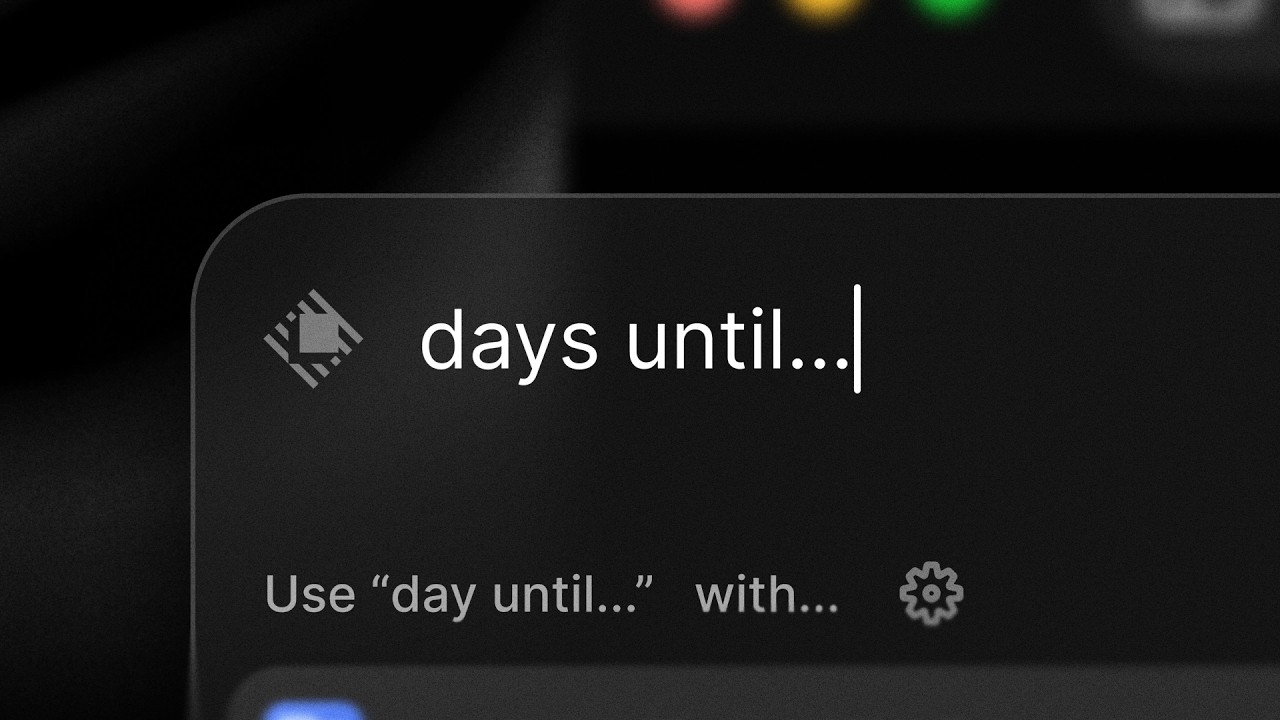
Spatial navigation through the interface relies on slow, deliberate camera drifts across a darkened UI. These moves feel mathematically engineered rather than practically shot, utilizing perfectly smooth interpolations that match the software's mechanical precision. By keeping the camera motion continuous and controlled, the video grounds the new AI features in a tangible, familiar environment rather than floating them in abstract space.
When UI components populate the screen, the stagger on list items directly mirrors the app's native micro-interactions. This ensures the promotional film and the actual software share a unified motion language. The cascading reveals naturally guide the eye down the hierarchy of the interface, demonstrating that the Agent organizes information with the exact same logic a user already understands.
The easing curves across the entire piece lean into sharp acceleration and long, smooth decelerations, giving every transition a snappy but settled feel. The motion design strips away any superfluous bounce or elasticity, leaving only the essential movements required to explain how the Agent operates within the broader ecosystem.
What to steal from it
- Use masked text reveals to introduce copy with sharp, uncompromised edges instead of relying on soft opacity fades.
- Build generous hold times into your edit so the audience can actually digest the information on screen before the next cut.
- Match your video's easing curves and stagger timings to your product's native micro-interactions to create a unified brand language.
- Treat camera drifts over UI as engineered mechanical moves rather than handheld cinematic shots to reinforce technical precision.
Want a video like this for your product?
Impractical cuts one from a single prompt — the same motion craft, in about twenty minutes.