What Linear shipped
Linear has steadily expanded from an issue tracker into a complete product development operating system. With Coding Sessions, they cross the threshold from tracking work to executing it. By integrating Claude Code and Codex, Linear Agent now writes, reviews, and ships code directly within the platform.
This launch matters because it collapses the distance between project management and engineering. The film reflects this consolidation, using Linear's signature dark-mode aesthetic and meticulous pacing to make a complex, multi-agent workflow feel entirely frictionless.
How the motion works
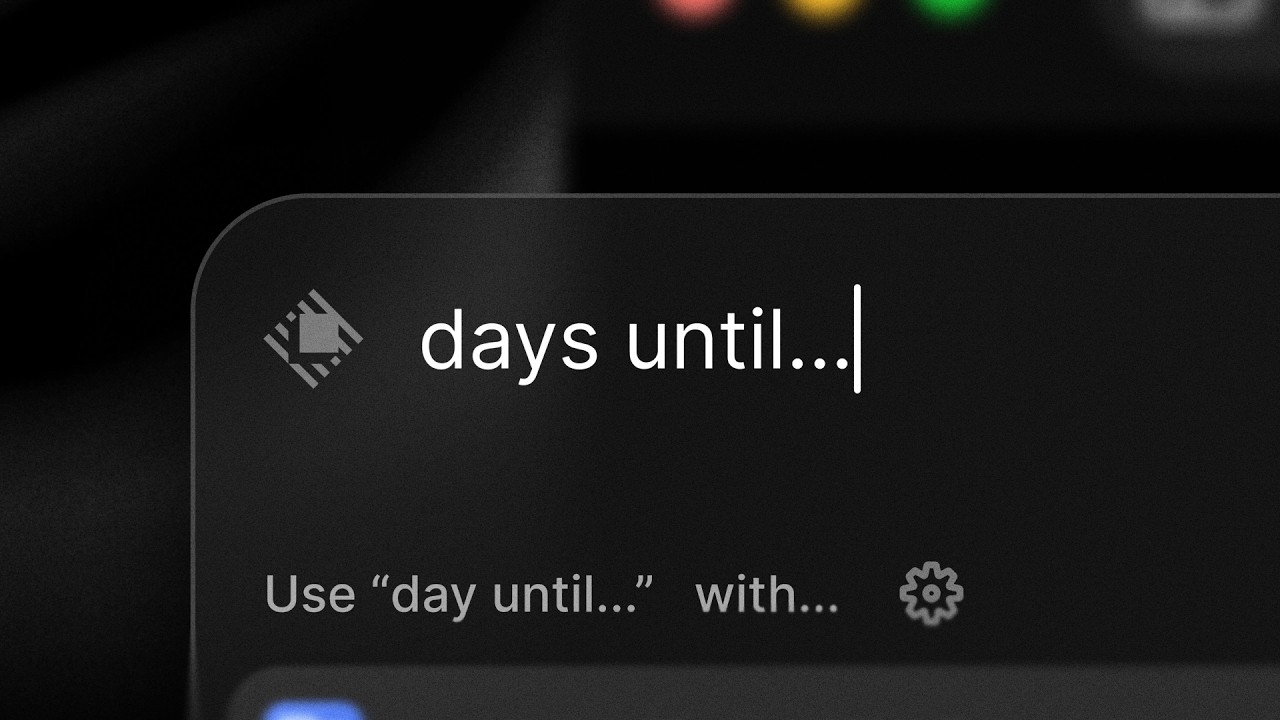
Linear’s motion language is defined by restraint. They avoid chaotic camera work, instead using a precise punch-in to focus the viewer on specific UI components. The camera treats the interface as a physical, tactile object, gliding across the dark-mode canvas with heavily eased bezier curves. Crucially, the camera comes to a complete rest. This deliberate hold-time allows the viewer to actually read the interface before the next action occurs.
The integration of AI is visualized without relying on glowing nodes or abstract particle fields. Instead, the film leans on typography. As the Linear Agent writes code, kinetic-typography simulates the generation process. The motion is smoothed out—eschewing the jittery, raw output of a standard terminal for a polished, rhythmic reveal that feels purposeful and controlled.
To connect the planning phase to the execution phase, the film relies heavily on the match-cut. An issue ticket scales and aligns perfectly before morphing into a code diff, reinforcing the narrative that these are no longer disjointed workflows. The lighting remains consistent throughout—a subtle, cool spotlight effect that highlights the active UI element while letting the periphery fall into deep, noise-textured shadow.
What to steal from it
- Treat the product interface as a physical object with weight and dimension during camera moves.
- Build deliberate hold times into your edit so the audience can actually process the UI.
- Visualize AI features through the tangible work they produce, not abstract glowing particles.
- Use match cuts to bridge distinct workflows, visually proving they belong in the same environment.
Want a video like this for your product?
Impractical cuts one from a single prompt — the same motion craft, in about twenty minutes.