What Raycast shipped
In 2026, Raycast shipped its biggest update to date, marking the public release of an entirely overhauled application. For a tool whose core demographic obsesses over milliseconds and keystrokes, the launch needed to communicate a massive leap forward without losing the lightweight, lightning-fast identity that made it a developer staple.
The resulting launch film strips away narrative bloat in favor of pure utility. It is an exercise in conveying product value not through exhaustive feature lists, but through visceral, rhythmic execution.
How the motion works
The edit is built entirely around a driving, relentless audio track. Every hard cut lands precisely on the beat, transforming the act of navigating a command palette into a percussive visual experience. By syncing the cuts to the music, the video inherently adopts the speed of the track, making the app itself feel as fast as the tempo. There are no crossfades or soft transitions here—just immediate, hard cuts that mirror the instant response of a keyboard shortcut.
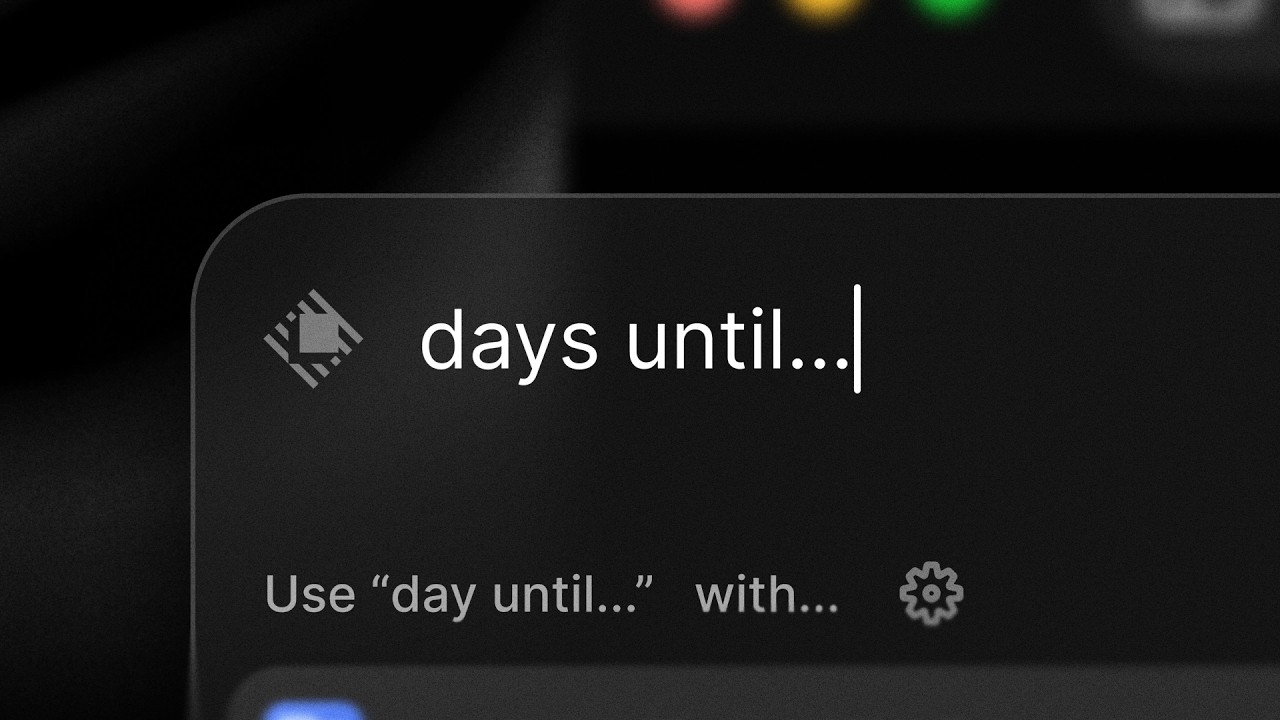
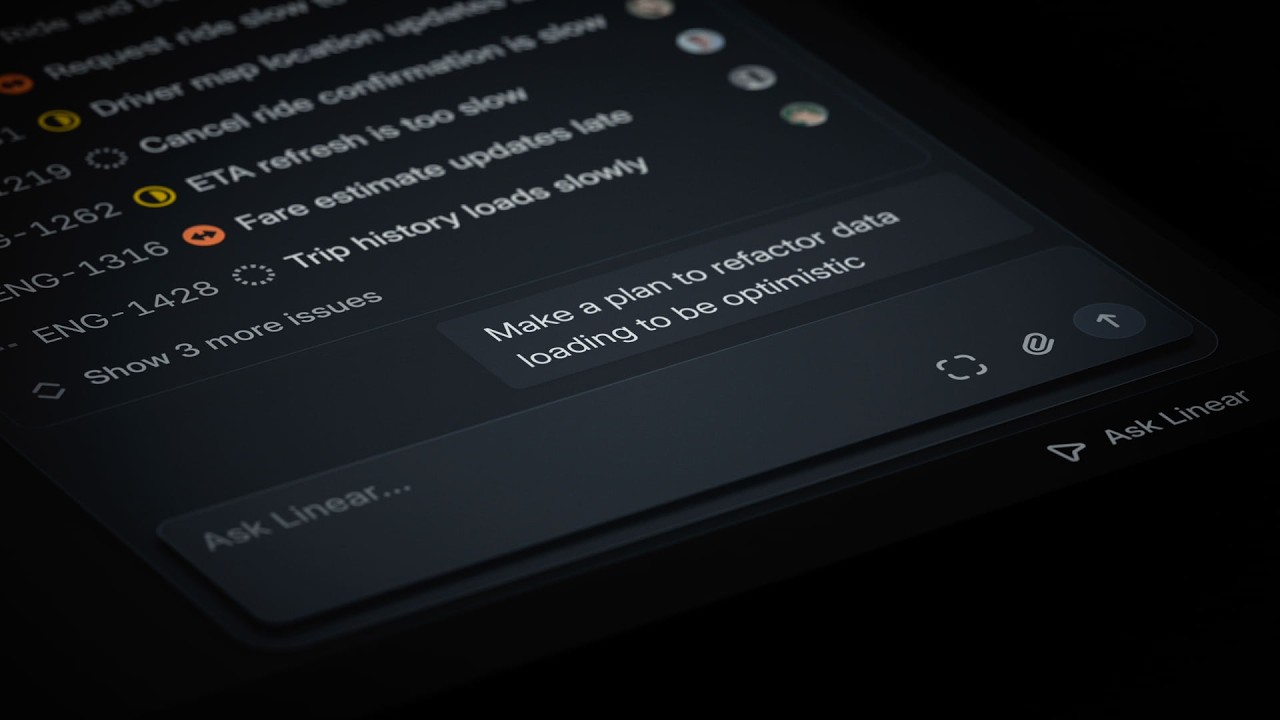
Instead of pulling back to show the full desktop environment, the camera aggressively limits the field of view. Fast punch-ins isolate single commands and UI elements, forcing the viewer's eye exactly where the action happens. This technique removes all peripheral friction. When a user types a command, the camera snaps into the search bar; when a result populates, it punches into the list. It is a highly directed framing choice that emphasizes focus and velocity over context.
Kinetic typography acts as the connective tissue between these rapid-fire UI shots. Bold, oversized text flashes against the dark interface, held on screen just long enough to register before the next downbeat. The type doesn't just label the features; it behaves like part of the interface, matching the stark, high-contrast aesthetic of the app. By treating the typography with the same aggressive timing as the UI punch-ins, the film sells Raycast's core promise—unmatched speed—purely through the mechanics of motion design.
What to steal from it
- Let the product's core value dictate your editing rhythm.
- Use tight punch-ins to eliminate UI clutter and force focus onto a single action.
- Treat typography as a structural element of the edit rather than a passive overlay.
- Rely on hard cuts rather than soft transitions to communicate software responsiveness.
Want a video like this for your product?
Impractical cuts one from a single prompt — the same motion craft, in about twenty minutes.